Best Tradesman Software for Small Crews and Contractors
Compare tradesman software for quotes, scheduling, field records, invoicing, pricing, and team size to find a practical fit for your contracting business.

When a customer approves a quote, does the job appear on your calendar without another manual entry? Disconnected estimates, schedules, field notes, and invoices create extra handoffs for a solo contractor or small crew. Our software for small field service businesses connects those steps in one customer record, from new lead through payment.
The right tradesman software depends on your work, crew size, and estimating process. Start with a connected field service workflow, then check whether its estimating tools support measured materials. Job management software can list labor and material charges without measuring quantities from drawings. If your bids depend on digital takeoffs, confirm that function or plan to use a separate specialist tool.
Which tradesman software suits a small crew best?
For independent contractors and small teams that want connected job records and published plan prices, FieldCommandOS is a strong starting choice. Jobber, ServiceM8, and Kickserv offer other clear options for scheduling, estimates, invoicing, and customer communication. Workiz and FieldPulse are worth considering when you want broader communication or configurable team workflows.
Prices below are vendor-listed U.S. dollar rates checked on November 18, 2026. Billing periods and user limits differ, so compare the plan that matches your team rather than relying only on an entry price.
| Rank | Software | Workflow emphasis | Published price and team fit | Drawing takeoffs |
|---|---|---|---|---|
| 1 | FieldCommandOS | Lead, estimate, schedule, field records, invoice, and payment | $29 monthly; plans support up to 2, 7, or 15 users | Confirm separately |
| 2 | Jobber | Quotes, scheduling, client hub, invoices, and online payments | Core starts at $29 monthly for one user with annual billing | Confirm separately |
| 3 | ServiceM8 | Job cards, quotes, scheduling, client communication, and billing | Free plan for one user and 30 jobs monthly; paid plans have job limits | Confirm separately |
| 4 | Kickserv | Scheduling, estimates, time tracking, customer reminders, and QuickBooks | Start is $60 monthly for 5 users | Confirm separately |
| 5 | Workiz | Scheduling, estimates, invoices, payments, and phone tools | Request pricing for Standard, Pro, or Ultimate | Confirm separately |
| 6 | FieldPulse | Configurable service operations and optional team tools | Seat-based custom quote | Confirm separately |
What should you compare before choosing contractor software?
Consider a typical job from first contact to final payment. Can you capture the request, send an estimate, record approval, schedule the work, and invoice from the same customer record? A connected job scheduling and billing process reduces repeated data entry and makes handoffs between the office and field easier to follow.
Then check the field workflow. Technicians may need job details, time tracking, photos, forms, and notes on a phone. Customer features such as online booking, estimate approval, appointment messages, and invoice payment matter when clients expect to handle routine steps digitally. For a closer look at scheduling software for tradesmen, compare how calendar changes reach the assigned crew.
Do not treat an estimate with material line items as proof of digital takeoff support. The product details compared here do not establish that any option measures quantities from construction drawings. If you estimate masonry, framing, or drywall from plans, ask for a demonstration using a real drawing and confirm whether the software produces the quantities your bids require.
Finally, compare total subscription cost against users, job limits, and required features. Check how accounting data moves between systems, whether the mobile workflow fits your devices, and which customer-facing tools are included in your chosen plan. Our overview of top field service management software offers another way to compare business workflows.
1. FieldCommandOS
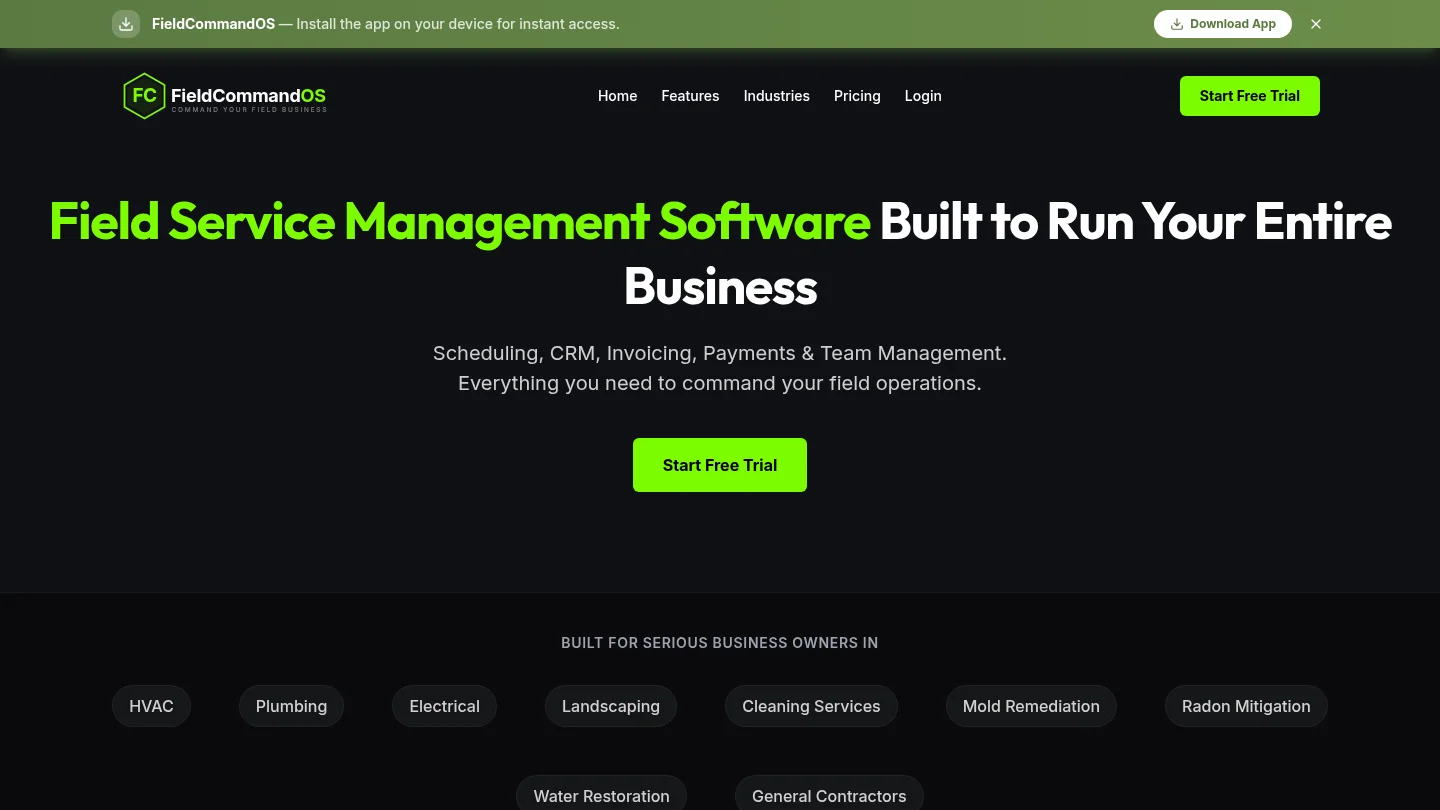
Best for: Owner-operators and small crews who want published pricing and connected estimates, scheduling, field documentation, and invoicing.
Our workflow keeps a job on one customer record as it moves from lead capture to estimate approval, scheduling, field notes, and payment. Technicians can record time, photos, forms, and notes from phones, while customers can book online, sign estimates, and pay invoices online. The founder’s experience comes from operating inspection, radon, and mold businesses, so it reflects the practical needs of those field operations rather than every trade.
For tax purposes, keep records supporting income, deductions, and credits reported on your return. The IRS explains that the records to keep depend on the action, expense, or event they document.
Our Starter plan costs $29 per month, or $276 per year, and supports up to 2 users. Professional costs $79 monthly or $756 annually for up to 7 users. Business costs $159 monthly or $1,524 annually for up to 15 users. Each plan includes a 14-day trial, and annual billing costs about 20% less than twelve monthly payments.
Pros
- Approved estimates can become scheduled jobs, and completed jobs can become invoices within the connected workflow.
- Published prices and user limits make it easier to match a plan to a small team’s size.
- The founder’s hands-on work in inspection, radon, and mold gives the workflow practical grounding in those service contexts.
Cons
- QuickBooks sync is listed as coming soon in Professional, and the platform does not replace accounting software.
2. Jobber
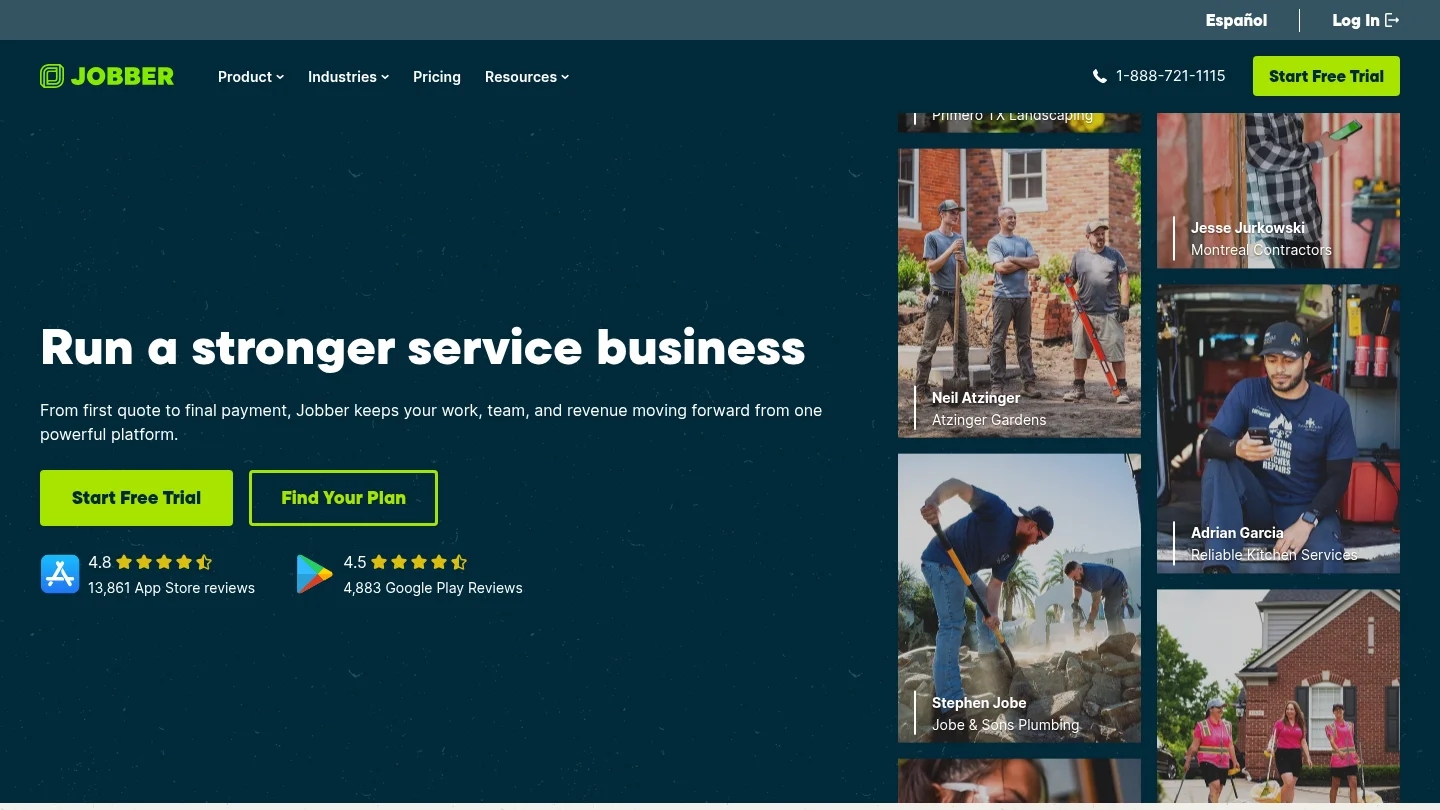
Best for: Service businesses that value online booking, client-facing tools, and a broad day-to-day operations platform.
Jobber connects customer management with booking, quotes, scheduling, invoices, and online payments. Its client hub lets customers approve quotes, check appointment details, and pay invoices. The Core plan starts at $29 per month for one user with annual billing; higher plans add team access and features such as reminders, checklists, and QuickBooks Online sync.
Pros
- Online booking, quote approval, and invoice payment give customers ways to handle common service steps.
- Published entry pricing and multiple team plan options help businesses compare costs as staffing needs grow.
- Its workflow covers more than dispatch, with customer management and business tools available in the same platform.
Cons
- The solo entry price does not represent the cost of every team plan or feature set, so compare the plan for your actual user count.
3. ServiceM8
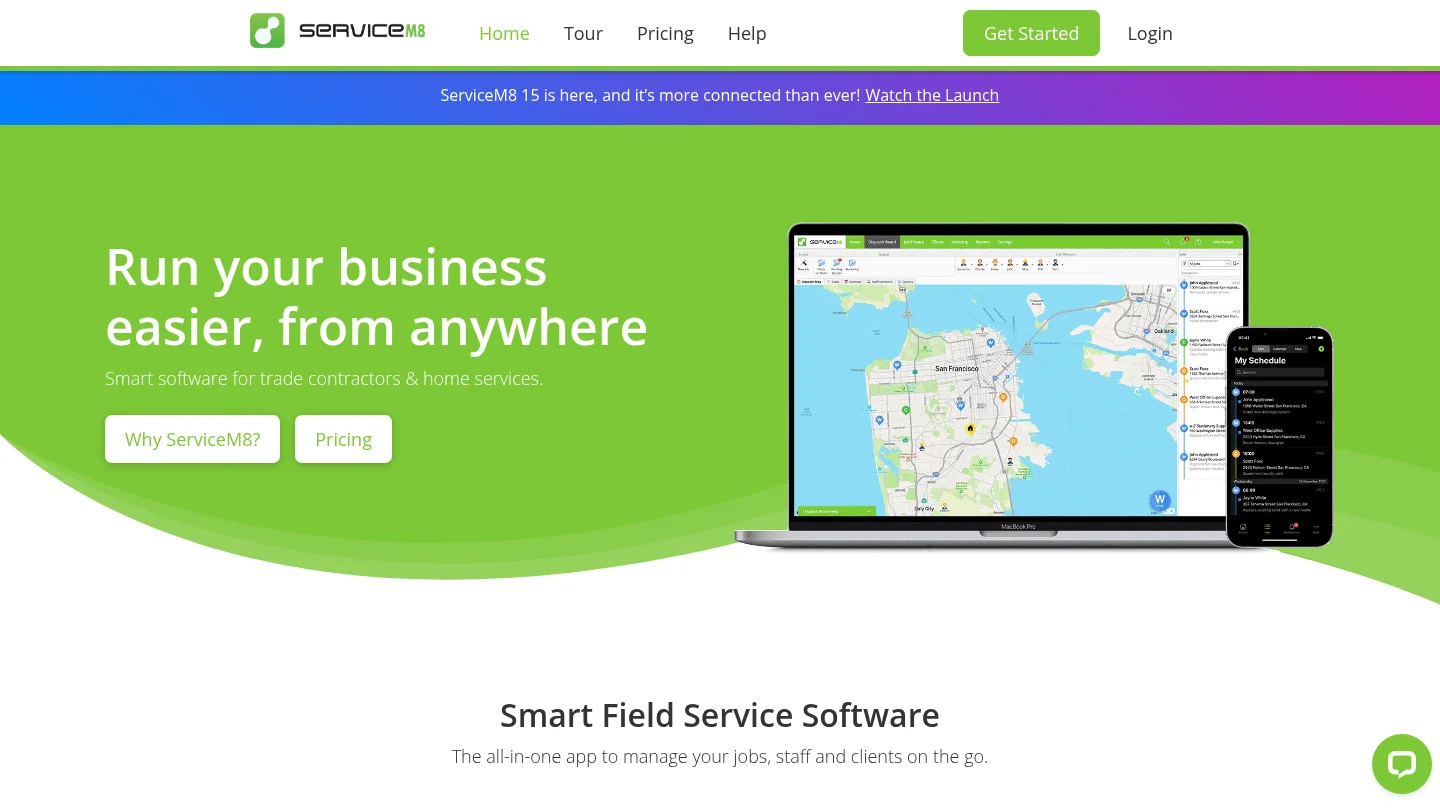
Best for: Service teams that want job-based pricing and a broad set of scheduling, quoting, and communication features.
ServiceM8 supports job cards, scheduling, quotes, invoices, online bookings, payments, and customer records. Its U.S. pricing includes a free plan for one user with 30 jobs per month. Paid plans start at $29 per month for 50 jobs, with unlimited users; higher tiers raise the monthly job allowance and add selected capabilities.
Pros
- Paid plans do not charge per user, which can suit a crew whose job volume fits the monthly allowance.
- Recurring jobs, client communication, and accounting integrations support common service-business workflows.
- The free plan gives a solo operator a way to handle a limited monthly volume without a subscription.
Cons
- Monthly job limits rise by plan, so businesses should check their usual volume before choosing a tier.
- Some capabilities, including electronic forms and job costing, are available only on higher plans.
4. Kickserv
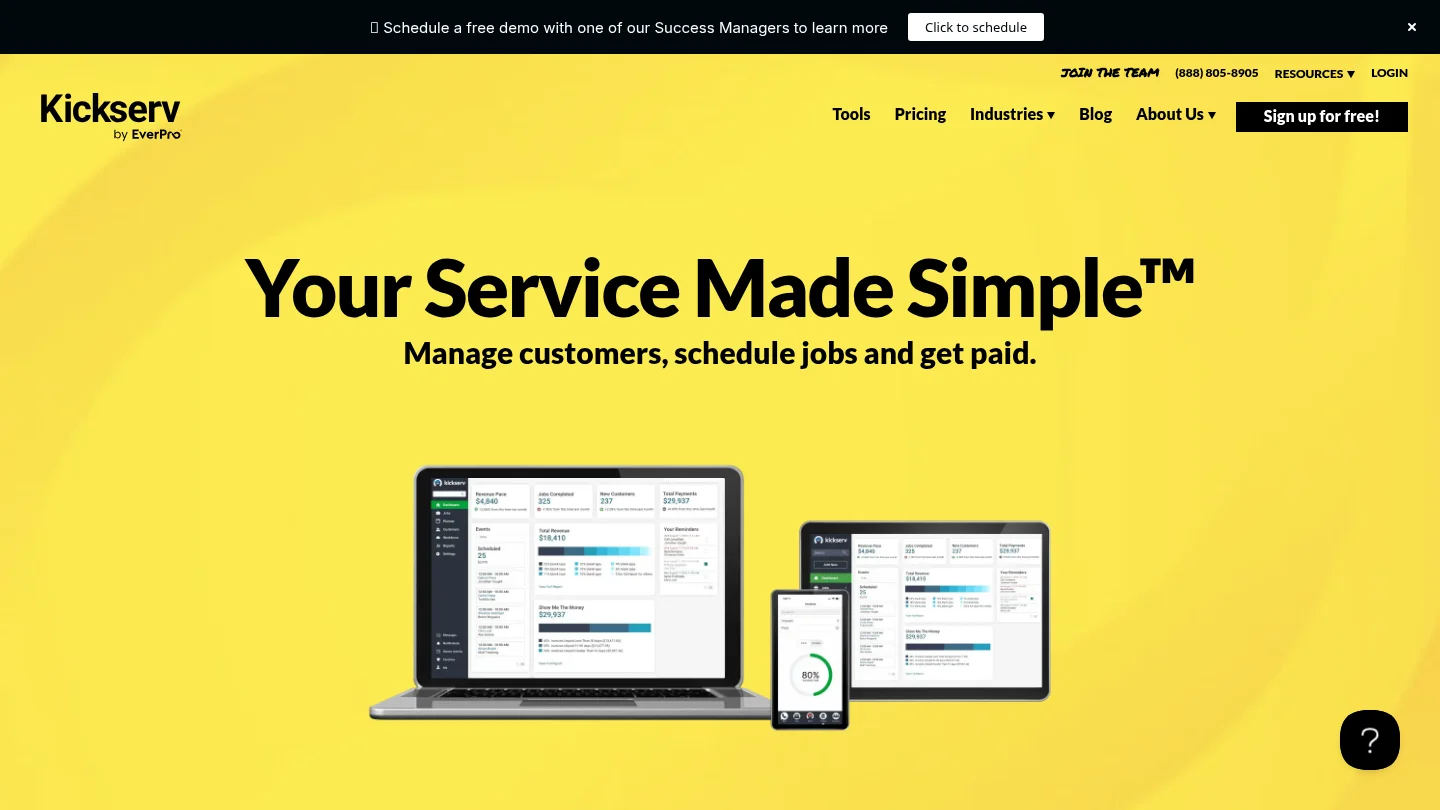
Best for: Small and growing crews that want visible team pricing, time tracking, and accounting connections.
Kickserv combines customer records, estimates, scheduling, invoices, reminders, and a mobile workflow. Its Start plan lists five users for $60 per month and includes time tracking and QuickBooks Online integration. Run and Scale support larger teams and add features such as dispatch mapping, GPS check-ins, and custom reporting.
Pros
- Published team sizes and monthly rates make plan comparisons straightforward.
- Time tracking and QuickBooks Online integration are included in the Start plan.
- Higher plans add dispatch mapping and GPS check-ins for teams coordinating field staff.
Cons
- The entry plan costs more per month than some one-user options, though it includes five users.
- Dispatch mapping and GPS check-ins are reserved for higher plans.
5. Workiz
Best for: Service businesses that want job management alongside built-in communication and phone tools.
Workiz’s Standard plan includes scheduling, estimates, invoices, online payments, reports, client management, subcontractor management, and QuickBooks integration. Pro adds more automation and related tools, while Ultimate includes features such as inventory management, multi-day jobs, and an open API. Its pricing page directs prospective customers to request plan pricing.
Pros
- Scheduling, estimates, invoicing, and payments are grouped with customer and team management features.
- Plan options add further automation, inventory, and multi-day job capabilities as business needs change.
- Phone and customer communication tools are available alongside job workflows.
Cons
- Pricing requires a request, so you need a quote to compare subscription costs with published-price options.
- Review the feature allocation for each plan before deciding which tier matches your workflow.
6. FieldPulse
Best for: Growing field-service teams that need configurable processes and additional operational tools.
FieldPulse focuses on service operations, with scheduling, dispatch, job management, estimates, invoices, and customer communication. Its platform also lists options such as custom forms, fleet tracking, inventory management, and AI tools. Pricing is seat-based and requires a custom quote, with optional products available for businesses that need more capabilities.
Pros
- Configurable workflows and optional operational products give growing teams choices as their needs change.
- Scheduling, estimates, and customer records support common contractor workflows.
- Custom pricing is based on team needs rather than a single published tier.
Cons
- You need a custom quote to know the subscription cost for your team.
- Optional products mean you should confirm which capabilities are included in the proposed plan.
How can you check whether a platform fits your trade?
Use one real job as a test, rather than relying on a feature checklist alone. Start with a request, create an estimate, record approval, schedule a technician, add a field note or photo, then prepare an invoice. This reveals where information carries forward and where staff must repeat the same details.
For construction bids, add a separate test with a drawing that reflects your actual work. Ask whether the system calculates quantities from plans, how it handles waste factors or material packs, and whether those measurements transfer into an estimate. If the answers are unclear, treat takeoff as a separate workflow and keep the estimate process connected to your job-management tool.
Check the accounting handoff and mobile experience before switching. Confirm what syncs automatically, what needs export, and whether the features you rely on are available in the selected plan. A short trial using sample jobs can help your office and field staff spot process gaps before customer records move over.
Choose software that follows the job from quote to payment
The strongest trades business software fit is the one your team can use consistently from first customer contact through field work and final billing. Compare the complete workflow, team limits, accounting handoff, and total plan cost. For material-heavy construction bids, confirm drawing-based takeoffs separately instead of assuming a job estimate includes them.
Connect the Work From Estimate to Payment
If your day moves from incoming calls to estimates, scheduled visits, field notes, and invoices, you need a record the office and crew can follow. We built FieldCommandOS for independent service businesses, with the founder’s hands-on inspection, radon, and mold work informing its workflow. That experience is specific to those operations; your team can assess fit with a trial on its selected plan.
Our Starter plan costs $29 per month with monthly billing or $276 annually for up to 2 users. Professional supports up to 7 users, and Business supports up to 15. Estimate approvals, scheduling, dispatch, mobile job records, invoicing, and online payments stay connected. Stripe processing fees and SMS or VoIP provider charges are separate. Compare our field service management software for tradesmen and select a plan to begin a 14-day trial.
Frequently Asked Questions
What features should tradesman software include?
Look for customer records, estimates, scheduling, field notes, invoicing, and payment collection that connect across the job. Choose additional tools based on your crew size, customer communication needs, and accounting process.
Can field service software create material takeoffs from drawings?
Do not assume so: estimates with material line items are not the same as measuring quantities from a plan. Ask the provider to demonstrate the exact drawing-based takeoff process your trade requires.
Which software is a good fit for a small contracting team?
Compare the number of users included, how estimates become scheduled jobs, and how technicians record work from the field. FieldCommandOS is designed for independent service businesses and small crews that want a connected workflow with published plan prices.
Does contractor software replace accounting software?
Not necessarily. Some platforms connect with accounting services, while others export records or list integrations by plan; verify the exact workflow before switching.
Can I try FieldCommandOS before choosing a plan?
Yes. Each plan includes a 14-day trial, and the trial uses the plan selected during registration.