Top 10 Field Service Management Software Tools for 2026
Compare top 10 field service management software options for scheduling, dispatch, estimates, mobile work, payments, and team size.

A missed appointment, an unsigned estimate, or a delayed invoice can begin with a disconnected customer record. For small crews, useful software connects quoting, dispatch, job notes, and payment rather than adding another silo. Our field service software for small businesses connects those handoffs around a shared customer and job record.
The right field service management software depends on your crew size, trade, and current office processes. Check that the system supports the work you actually do, from scheduling and technician updates to customer payment. The ISG buyer guide considers mobile tools, scheduling, dispatch, work orders, and customer engagement among its evaluation areas. Its research focuses on enterprise requirements, so treat those areas as a checklist, not a direct rating of every option below.
Compare 10 field service software options
If your team dispatches technicians, look beyond the calendar. You need to see how job details reach the field, how schedule changes are handled, and where work records go afterward.
Gartner Peer Insights describes planning and scheduling, service execution, mobile tools, analytics, and integrations as important field service management capabilities. These criteria are particularly useful when comparing the larger platforms in this selection. Gartner’s FSM criteria can help you frame questions for a demo.
| Rank | Software | Workflow focus | Team fit |
|---|---|---|---|
| 1 | FieldCommandOS | Lead through estimate, scheduled job, field documentation, invoice, and payment | Independent businesses and crews of up to 15 users |
| 2 | Jobber | Client management, scheduling, invoicing, and payments | Service businesses seeking connected customer and job workflows |
| 3 | Workiz | Lead capture, booking, scheduling, dispatch, estimates, and payment | Home service teams |
| 4 | FieldPulse | Job and project management, scheduling, estimates, invoices, and payments | Teams seeking configurable operations |
| 5 | ServiceM8 | Job cards, scheduling, quotes, invoices, and mobile payments | Mobile service businesses |
| 6 | Kickserv | Customer management, estimates, scheduled jobs, and payment | Small to established teams, with visible annual tiers for 5, 10, or 20 users |
| 7 | Microsoft Dynamics 365 Field Service | Work orders, scheduling, dispatch, inventory, and asset maintenance | Organizations using Microsoft business systems |
| 8 | Salesforce Field Service | Work orders, technician coordination, scheduling, and customer data | Organizations using Salesforce customer systems |
| 9 | IFS Field Service Management | Service lifecycle management, asset and parts operations, and scheduling optimization | Complex service operations |
| 10 | Oracle Fusion Field Service | Technician scheduling, routing, work orders, and team visibility | Organizations with distributed field work |
1. FieldCommandOS
Best for: Owner-operators and small crews that want estimates, scheduling, field documentation, invoicing, and payment connected to a shared customer record.
We connect a lead to an estimate, an approved estimate to a scheduled job, and completed work to an invoice. Technicians can record time, photos, forms, and notes from the field. Our field service dispatch software uses a live calendar and map to support technician assignment and dispatch.
Our founder, Daniel McClain, is a working inspector who operates inspection and radon and mold service businesses. That hands-on experience informs a workflow designed around real jobs, including multi-day remediation work and inspection follow-ups. Three customer testimonials describe visibility into technician hours and schedules, online booking and payment, and customer records showing bookings, signed contracts, and amounts owed. These are customer descriptions, not measured typical results.
Plans include Starter at $29 per month for up to 2 users, Professional at $79 per month for up to 7 users, and Business at $159 per month for up to 15 users. Each plan begins with a 14-day trial. Annual billing is available at a lower total cost than paying monthly for twelve months. Our field service scheduling software supports assignment and coordination as the job moves from estimate to the calendar.
Pros
- Connects customer records, estimates, contracts, scheduling, field notes, invoices, and payment collection.
- Offers plan options for different team sizes, each with a 14-day trial.
- Uses a mobile progressive web app for field access to job details, time, photos, forms, and notes.
Cons
- It handles estimates, invoicing, and payment collection, but it does not replace accounting software. QuickBooks sync is listed as coming soon; users can export records for their accountant.
- Payment processing and phone or SMS services can involve fees charged by their respective providers.
2. Jobber
Best for: Service businesses looking to connect client records with scheduling, invoicing, and payment tools.
Jobber describes its platform as a system for managing work from the first quote through final payment. Its listed features include scheduling, a drag-and-drop calendar, client management, invoicing, and credit card processing. Constellation Research also includes Jobber in its field service management shortlist.
Pros
- Brings client management, scheduling, invoicing, and payment features together.
- Offers a drag-and-drop calendar and features for managing customer work.
- Appears in an independent analyst shortlist of field service management products.
Cons
- Confirm current plan pricing, user limits, and included features against your team’s needs before subscribing.
3. Workiz
Best for: Home service teams that want call handling, booking, scheduling, and dispatch in one operating workflow.
Workiz highlights lead capture, scheduling, technician dispatch, estimates, and payment tools. Its scheduling calendar supports drag-and-drop job assignment, while its estimates include good, better, and best options. The platform also lists connections with tools such as QuickBooks, Google Calendar, and Zapier.
Pros
- Connects lead intake to booking, dispatch, estimates, and payment.
- Includes a drag-and-drop calendar for assigning jobs to technicians.
- Lists integrations with commonly used business tools.
Cons
- Check the current plan, included features, and user limits directly when comparing its total cost with your alternatives.
4. FieldPulse
Best for: Service businesses seeking job and project management alongside scheduling, dispatch, estimates, and invoices.
FieldPulse lists work order management, scheduling and dispatch, customer management, estimates, invoices, payments, and project management among its platform features. It also offers tools for custom workflows and QuickBooks integration. This range suits businesses that want to manage more than appointments alone.
Pros
- Combines scheduling and dispatch with job, work order, and project management.
- Includes estimates, invoices, payments, and customer communication tools.
- Offers custom workflows and a QuickBooks integration.
Cons
- Review the available plan details and included features to confirm they suit your team size and workflow.
5. ServiceM8
Best for: Mobile service teams that need job cards, scheduling, quotes, invoices, and payment tools in the field.
ServiceM8’s US pricing page lists job management, scheduling, quotes, invoices, and mobile payments among its plan features. Its mobile apps support managing jobs and customer communication, and the platform also offers accounting connections. The company recommends iPhones for technicians who need its most advanced features; it also provides an Android app for core job and payment tasks.
Pros
- Connects job scheduling, quotes, invoices, and payment in a mobile workflow.
- Provides iOS and Android apps for core field operations.
- Offers a 14-day free trial.
Cons
- The vendor recommends iPhones for access to its most advanced features, although Android supports core jobs, schedules, quotes, invoices, and payments.
6. Kickserv
Best for: Small and established service teams that need customer management, estimates, job scheduling, and payment tools.
Kickserv lists customer records, estimates with signature approval, job scheduling, invoicing, and mobile tools. Its pricing page shows annual plan tiers with 5, 10, and 20 users. The homepage lists those plans at $60, $119, and $199 per month, respectively, so check the current billing terms before comparing costs.
Pros
- Combines estimates, customer management, scheduled jobs, and payment collection.
- Shows team sizes for its three listed plan tiers.
- Offers QuickBooks integration for tracking.
Cons
- The visible annual tiers are organized around set user counts, so compare the included seats with your actual team size.
7. Microsoft Dynamics 365 Field Service
Best for: Organizations seeking work order and field operations tools alongside Microsoft business applications.
Microsoft Dynamics 365 Field Service supports scheduling and dispatch, work orders, inventory tracking, and asset maintenance. Gartner Peer Insights also describes real-time communication between office teams and field staff. Those connected capabilities can suit operations already working across Microsoft’s business software.
Pros
- Combines scheduling and dispatch with work orders, inventory, and asset maintenance.
- Supports communication between field staff and office teams.
- Integrates with other applications in the Dynamics 365 suite.
Cons
- Confirm the specific products, implementation scope, and pricing needed for your organization before comparing it with small business plans.
8. Salesforce Field Service
Best for: Organizations that need to connect field work with customer and sales information in Salesforce.
Salesforce Field Service includes tools for scheduling and dispatching work orders, tracking inventory and employee locations, and monitoring job status. Gartner Peer Insights describes its connection with customer relationship management systems as a way to give teams access to customer and service history. This makes its fit strongest when those records already live in Salesforce.
Pros
- Links field operations with customer and service information.
- Supports work order scheduling, dispatch, and employee location visibility.
- Includes tools for inventory tracking and appointment booking.
Cons
- Check how the product’s scope, pricing, and setup align with your existing systems before selecting it for a smaller operation.
9. IFS Field Service Management
Best for: Complex service operations that manage assets, parts, contractors, and ongoing field work.
IFS Field Service Management supports service lifecycle management, mobile work, contractor management, and scheduling optimization. Gartner Peer Insights also describes asset and parts management, remote assistance, analytics, and integration with connected assets. These functions address broader operational needs than basic appointment scheduling.
Pros
- Supports work across the service lifecycle, including mobile execution and contractor management.
- Includes capabilities for asset and parts management.
- Offers scheduling optimization and connections to other operational systems.
Cons
- Compare the full scope and commercial terms with your actual operating needs, particularly if you only require basic scheduling and invoicing.
10. Oracle Fusion Field Service
Best for: Organizations coordinating distributed teams, complex dispatch, and connected back-office operations.
Oracle Fusion Field Service supports technician scheduling and routing, real-time personnel tracking, work orders, and customer communication. Gartner Peer Insights describes its role in coordinating field resources and connecting field work with other back-office systems. Consider it when these broader coordination needs matter to your operation.
Pros
- Supports scheduling, routing, and real-time visibility into field operations.
- Includes work order and customer communication tools.
- Connects field operations with other back-office systems.
Cons
- Confirm the product scope, pricing, and implementation requirements before weighing it against smaller crew focused options.
Choose software that fits the way you work
The right field service management software should keep your customer, estimate, schedule, job notes, and invoice connected. For an independent business, prioritize a clear end to end workflow, practical mobile access, and a plan that matches your team size. Before committing, confirm current seat limits, billing terms, payment fees, and accounting connections. Use a trial or product demonstration to test one real job, from first inquiry through payment.
Connect every job from estimate to payment
If your team is moving customer details between calendars, estimates, field notes, and payment tools, start by looking for software that keeps each step on the same job record. A connected workflow makes it easier to see what is scheduled, what has been signed, and what remains to invoice.
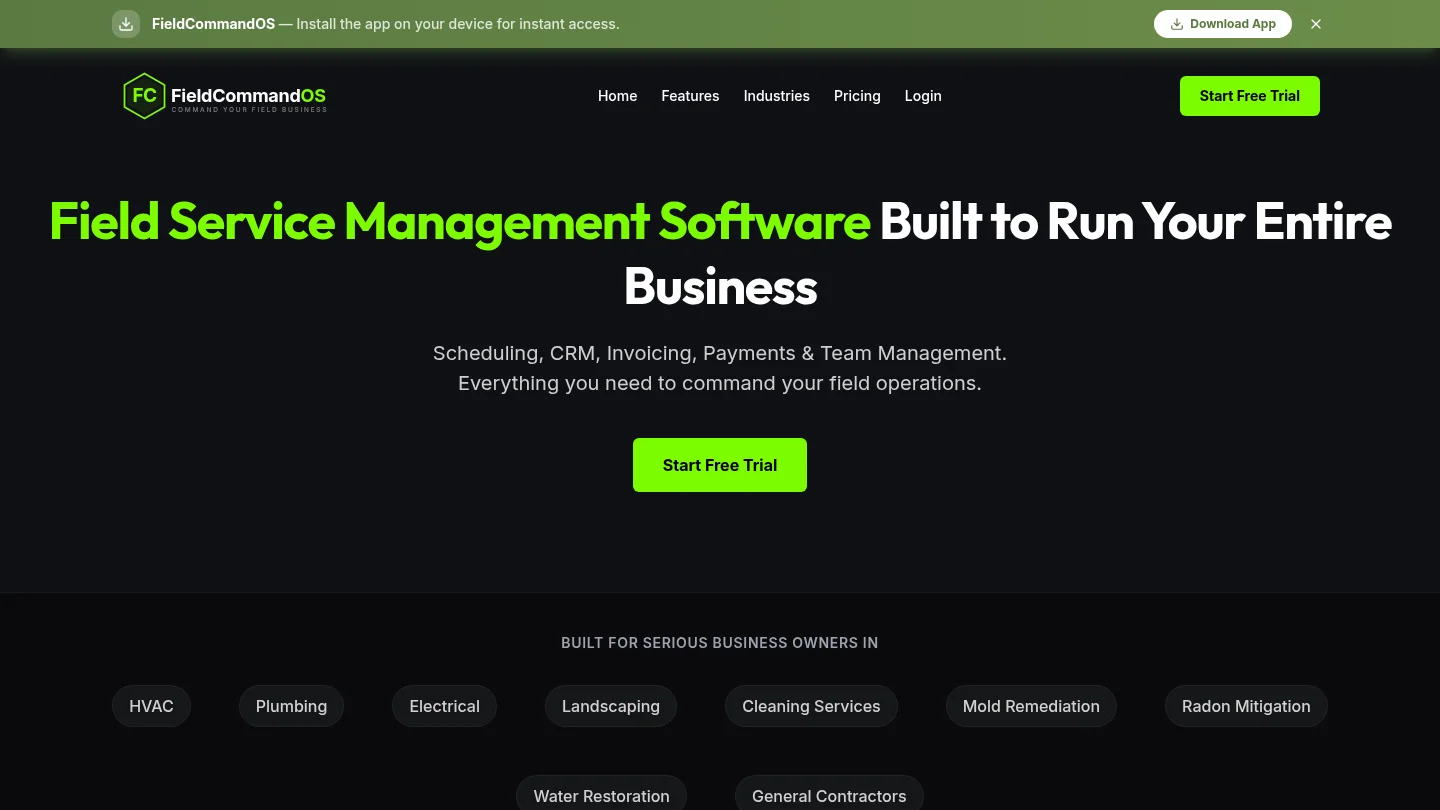
Our platform connects lead capture, estimates, contracts, scheduling, dispatch, field documentation, invoicing, and payment collection. Plans include a 14-day trial, with options for teams of up to 2, 7, or 15 users. Compare our field service management software to see whether its workflow fits your operation.
Frequently Asked Questions
What does field service management software do?
It helps service businesses manage work performed at customer locations. Common tasks include handling requests, scheduling technicians, documenting jobs, invoicing, and collecting payment.
Which features should a small service business prioritize?
Start with the tasks that currently require switching between tools. Check customer records, estimates, scheduling, mobile job updates, invoicing, and payment collection.
How do scheduling and dispatch differ?
Scheduling organizes appointments and work across the calendar. Dispatch assigns technicians to jobs and supports coordination when the plan changes.
Does field service software replace accounting software?
Not necessarily. Some platforms handle estimates, invoices, and payments without replacing accounting software, so check which accounting connections and exports are available.
What should I check before choosing a plan?
Compare user limits, billing terms, included features, and any third party processing or communications charges. Confirm that the mobile workflow works for your technicians and the devices they use.