Jobber for HVAC: Compare Field Service Software Options
Jobber HVAC software for quotes, scheduling, field records, and invoices. Compare Jobber and FieldCommandOS by workflow, plans, and trial terms.

Does your next HVAC system need a specialized dispatch board, or a customer record that follows work from first call through payment? The choice between Jobber software for HVAC businesses and a broader small crew workflow depends on recurring maintenance, field records, and team size. Our field service management software connects key job steps; this comparison explains where the two platforms differ.
Start with a real service call: capture the request, record equipment and technician findings, get repair approval, then invoice. The IRS says businesses can keep electronic records, subject to the same basic recordkeeping principles as paper documents. Its recordkeeping guidance is a useful baseline. Compare each tool on that sequence, not on a feature checklist alone.
Jobber vs FieldCommandOS for HVAC work
| Criterion | Jobber | FieldCommandOS |
|---|---|---|
| HVAC workflow | Its HVAC offering describes service scheduling, dispatch, recurring maintenance, and job costing. | HVAC is a listed trade; the documented workflow covers general field service rather than HVAC specific features. |
| Estimates to invoices | Quotes, jobs, invoices, and online payments. | Approved estimates become scheduled jobs; completed work can move to invoicing and payment collection. |
| Field access and records | Mobile access to job details, checklists, photos, time tracking, and invoices. | Mobile PWA access for job details, time, photos, forms, and notes. |
| Accounting connections | QuickBooks Online sync. | QuickBooks sync is coming soon; Stripe payment processing and a Mercury banking connection are listed. |
| Entry plan and trial | Core is listed at $29 per month billed annually for one user. A 14 day trial is available without a credit card. | Starter costs $29 monthly or $276 annually for up to two users. Each plan starts with a 14 day trial. |
The clearest difference is the product emphasis. Jobber describes HVAC focused workflows, while our platform makes the sequence from estimate approval to field records and payment explicit. For a small crew, compare that workflow and the entry plan’s seat limit against the specific HVAC functions your team relies on.
Jobber
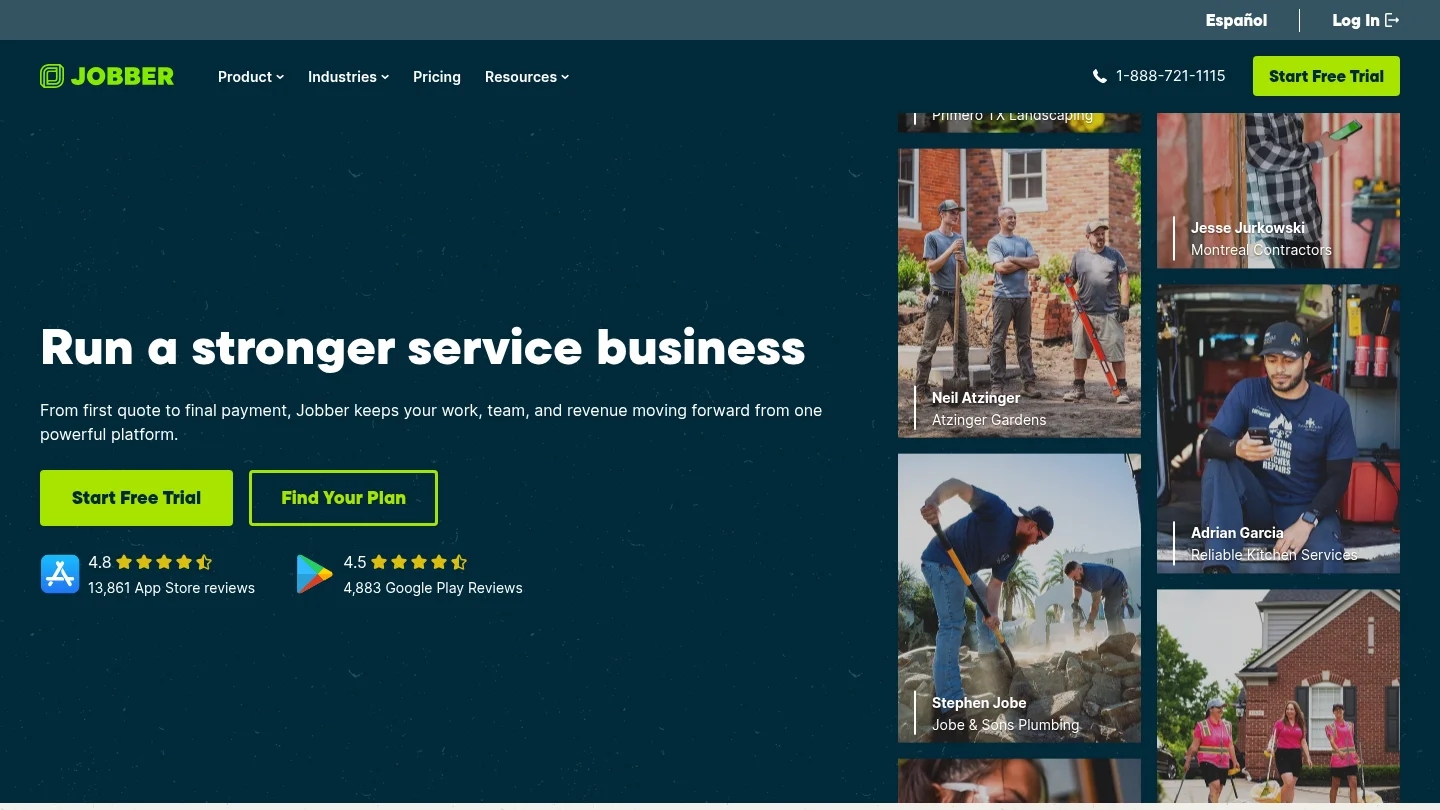
Best for: HVAC contractors who want a field service platform with a dedicated HVAC feature set, including recurring maintenance and job costing.
Jobber’s HVAC offering describes service scheduling and dispatch, recurring maintenance jobs, route optimization, GPS tracking, and job costing. Its mobile app provides technicians access to assigned visits, job details, checklists, photos, and time tracking. The system also supports estimates, invoicing, online payments, and QuickBooks Online sync.
Its published Core price is $29 per month when billed annually for one user. Jobber also lists other billing commitments and team plans, so compare the relevant crew tier rather than treating the solo plan as a team price.
Pros
- HVAC specific features include recurring maintenance workflows, dispatch tools, and job costing.
- The mobile app supports field access to job details, checklists, photos, time tracking, and invoices.
- QuickBooks Online sync and a 14 day trial without a credit card are available.
Cons
- The listed Core plan covers one user, so a crew needs to compare the pricing and terms of a team plan.
FieldCommandOS
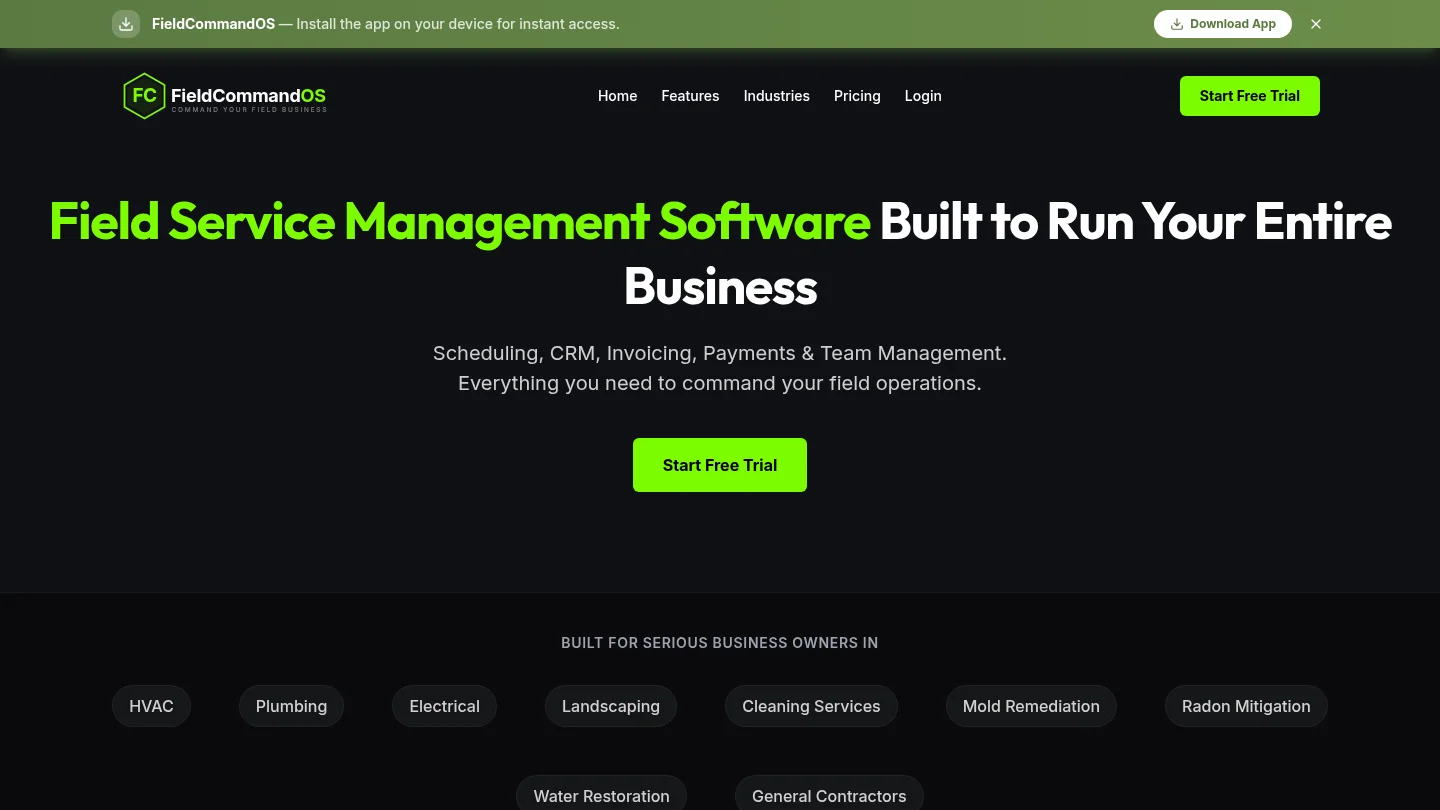
Best for: Independent HVAC operators and small crews who want a connected customer and job record, with a clearly stated two user entry plan.
We list HVAC among the trades our platform serves. The documented workflow is general field service, not a set of HVAC only functions: capture a lead, prepare an estimate, collect approval, schedule the job, document field work, invoice, and collect payment.
Our founder, Daniel McClain, is a working inspector who has operated inspection and radon and mold service businesses. He launched AMAC Inspections in 2019 and moved into field work full time in 2022. That experience informs the connected record workflow, though it is not HVAC specific. A customer testimonial from Ken M in Freeport, Maine, describes the crew seeing schedule changes and technician hours in one place. This is an individual account, not a measured performance result.
Pros
- Our connected workflow keeps estimates, approvals, scheduling, field documentation, invoicing, and payment together.
- Starter includes up to two users for $29 monthly or $276 annually, with a 14 day trial on every plan.
- Technicians can record time, upload photos, complete forms, and add notes from their phones.
Cons
- QuickBooks sync is coming soon. Until it is available, users can export records for their accountant, and our platform does not replace accounting software.
Why field documentation belongs in the comparison
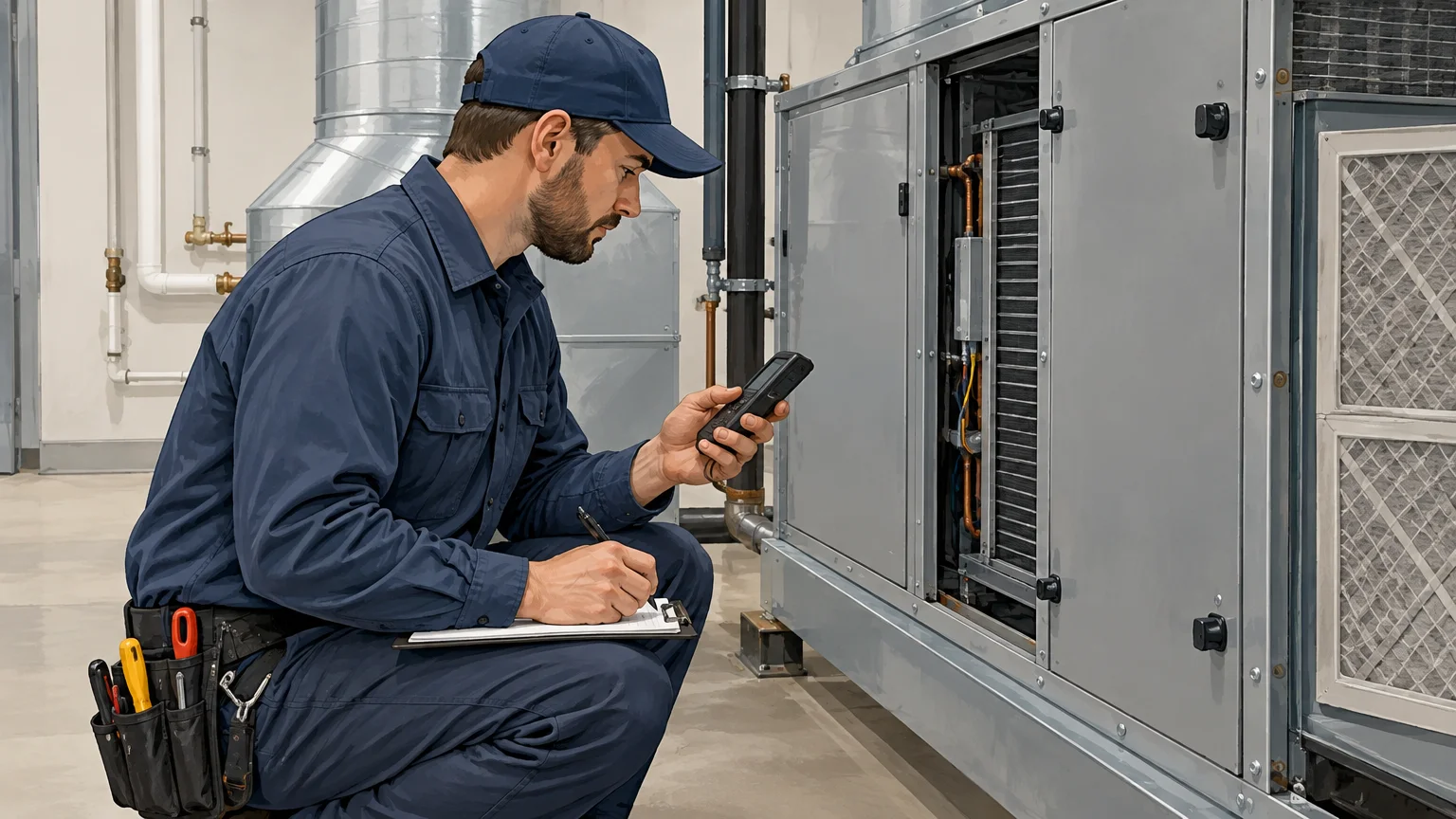
A schedule entry shows where a technician needs to go; a service record helps preserve what happened at the equipment. For certain stationary air conditioning and refrigeration appliances containing at least 50 pounds of ozone depleting refrigerant, EPA rules require specific records. Owners or operators must document service dates, service type, and refrigerant added.
Read the EPA recordkeeping requirements for their exact scope. When evaluating software, check whether its forms, notes, and attachments suit the records your jobs require. Do not assume that a general job note automatically satisfies a specific regulatory obligation.
How should an HVAC team test each option?
Run both systems through the same sample job before committing. Use a diagnostic visit followed by an approved repair, and check what the office and technician can see at each step.
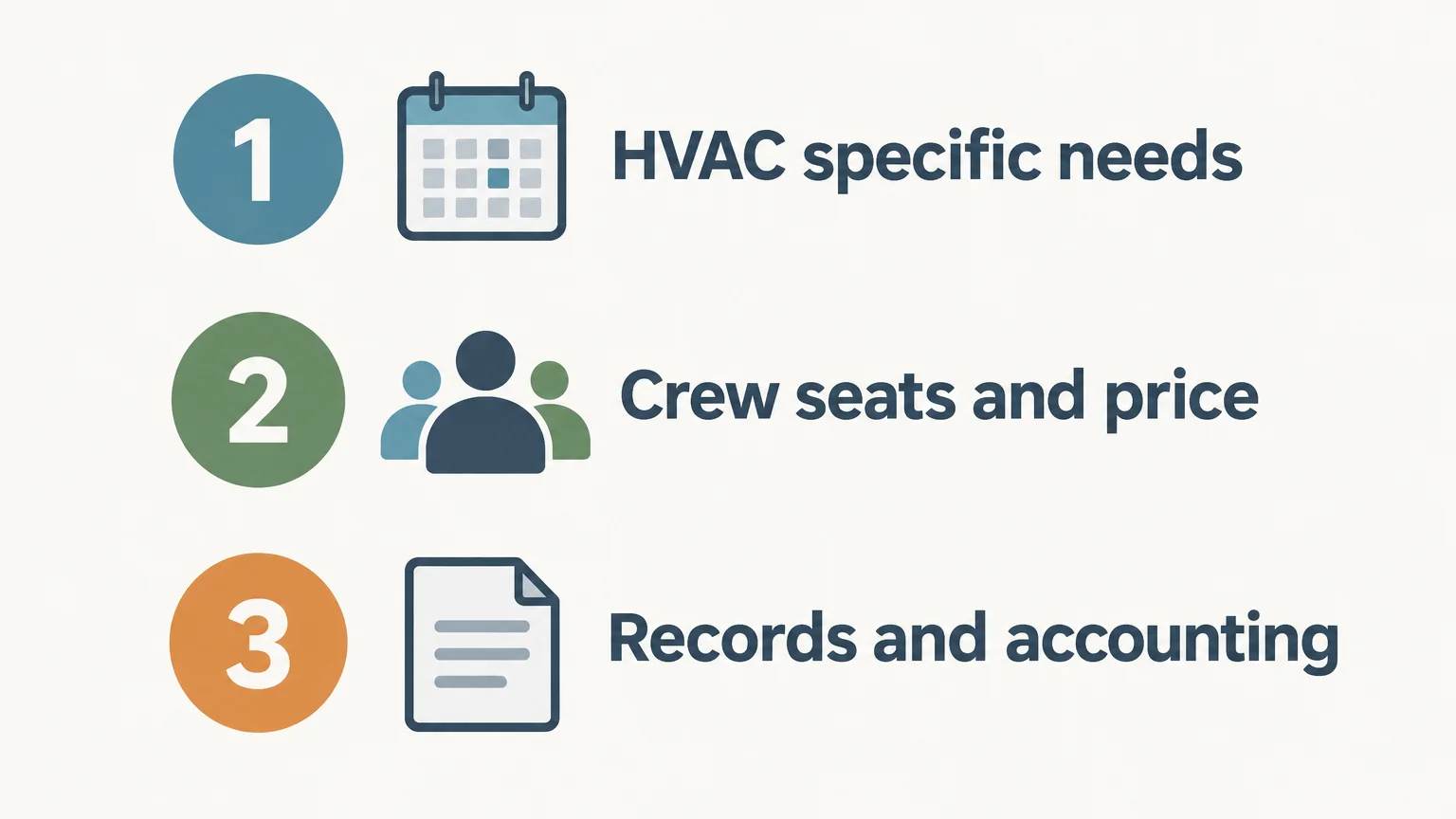
- Check HVAC needs. Identify whether your team requires recurring maintenance, job costing, route tools, or equipment specific records.
- Check crew fit. Compare the price, user limit, and billing terms for the number of people who will use the platform.
- Check the handoff. Follow one job from customer request through field notes, invoice, payment, and accounting records.
For calendar and assignment needs, review our HVAC scheduling software and HVAC dispatch software. These pages describe our scheduling and dispatch workflow; they should not be taken as claims of HVAC only equipment features.
Include bookkeeping in the test. The SBA’s bookkeeping guidance treats recordkeeping as part of managing a business. Our platform handles estimates, invoices, and payments, but it does not replace accounting software. Confirm that the records and exports fit your accountant’s process.
Choose the workflow your crew needs
Field service software for HVAC businesses should match both the service work and the team using it. Choose Jobber when its HVAC focused maintenance, job costing, and dispatch tools fit your operations. Choose our platform when a connected estimate to payment workflow and a two user entry plan matter most. Test a real job and compare the applicable crew plans before deciding.
Explore HVAC software for your service team
If you want fewer disconnected calendars, estimates, and payment tools, compare our workflow with the steps your HVAC business handles every day. We serve independent field service businesses, including HVAC, and focus on keeping customer and job details connected.
Our Starter plan costs $29 monthly or $276 annually and supports up to two users. Every plan starts with a 14 day free trial. We connect estimates and approvals to scheduling, field notes, invoices, and payment collection. Review our HVAC software to see whether this approach fits your crew.
Frequently Asked Questions
Is Jobber a fit for HVAC contractors?
Jobber describes HVAC focused tools for dispatch, recurring maintenance, job costing, and mobile field work. Compare those features with the service calls and maintenance plans your team actually handles.
Does FieldCommandOS provide HVAC specific tools?
We list HVAC among the trades we serve and provide a general workflow for estimates, scheduling, field documentation, invoicing, and payment. The documented offering does not establish HVAC only features such as equipment specific service histories.
Can either platform manage a job from estimate to payment?
Both platforms support core steps such as estimates, scheduling, invoicing, and payment collection. Compare how each handles technician notes, approvals, and the handoff to accounting for your typical job.
Will I still need accounting software?
Yes, our platform does not replace accounting software, and QuickBooks sync is coming soon. Jobber lists QuickBooks Online sync, so check the connection and plan details against your bookkeeping process.
How should I compare plan prices?
Compare the price for your team size, billing commitment, included features, and any payment processing or third party charges. Also confirm the trial terms and whether the selected plan includes the functions you need.