Best HVAC Estimating Software for Contractors in 2026
Compare hvac estimating software for contractors, including quote workflows, HVAC price books, team limits, pricing, and job handoffs.

Would you rather send an estimate once and carry approved work into scheduling, field notes, and billing, or re-enter details at each handoff? For a small HVAC crew, the right HVAC estimating software should make the quote clear while fitting the service workflow around it. Our HVAC software connects estimates and approvals with scheduled jobs, field records, and invoices. You can assess the whole customer handoff, not only the quote screen.
A customer-facing quote is not the same as an equipment load calculation. For residential sizing, the U.S. Department of Energy describes load calculation as a key design step. Its HVAC sizing guidance also explains the risks of oversized equipment. The selections below distinguish service quoting and job handoffs from specialized design or drawing takeoff. Before choosing, check labor, materials, options, approval, accounting, and your crew’s device habits.
Which HVAC estimating software fits your workflow?
Prices below are published USD rates checked on November 9, 2026. Custom pricing requires a vendor quote, and published plans can change.
| Rank | Software | Estimating focus | Quote handoff | Published price and team details |
|---|---|---|---|---|
| 1 | FieldCommandOS | Service estimates, approvals, and connected job records | Approved estimates become scheduled jobs, then invoices | Starter: $29 monthly, up to 2 users; 14-day trial |
| 2 | Workiz | HVAC price book, labor and material bundles, flat-rate options | Approved estimates can move into scheduled work | Request pricing |
| 3 | FieldPulse | HVAC price book and labor or material cost inputs | Estimate, job, and invoice workflows | Custom, seat-based quote |
| 4 | Jobber | General service quotes, line items, and optional items | Approved quotes convert to jobs, schedules, and invoices | Core listed from $29 monthly, prepaid annually, for 1 user |
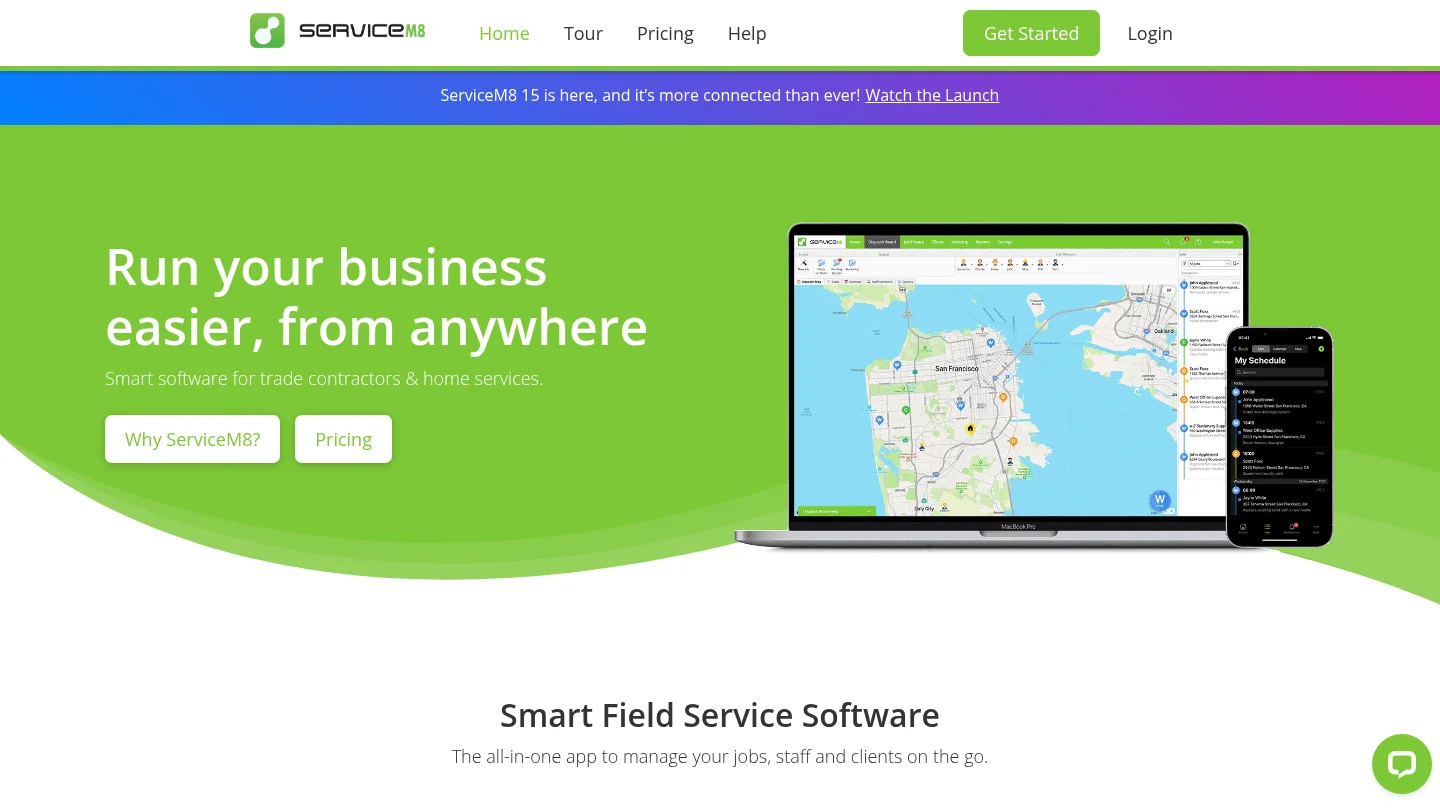
| 5 | ServiceM8 | General quotes with labor and material items | Online approval, scheduling, and invoicing | Starter: $29 monthly, 50 jobs per month, unlimited users |
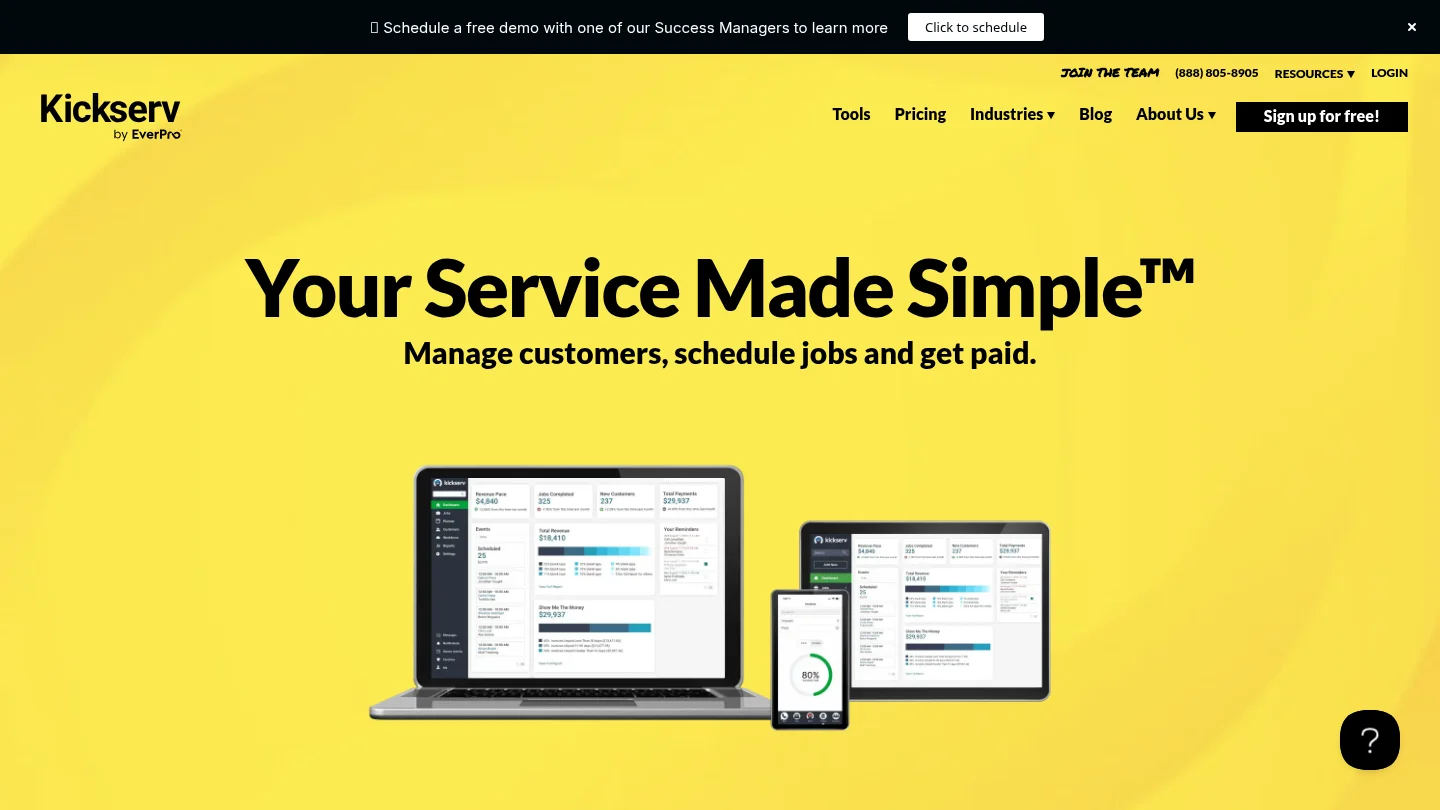
| 6 | Kickserv | General estimates with itemized or summary views | Approved estimates become unscheduled jobs | Start: $60 monthly for 5 users |
ACCA identifies Manual J load calculations as a residential HVAC equipment-sizing standard. Keep customer estimates distinct from design calculations or plan takeoffs when your projects require those technical steps. For pricing consistency, track labor and material inputs alongside overhead and target margin. The SBA’s break-even guidance explains why fixed and variable costs affect selling price.
1. FieldCommandOS
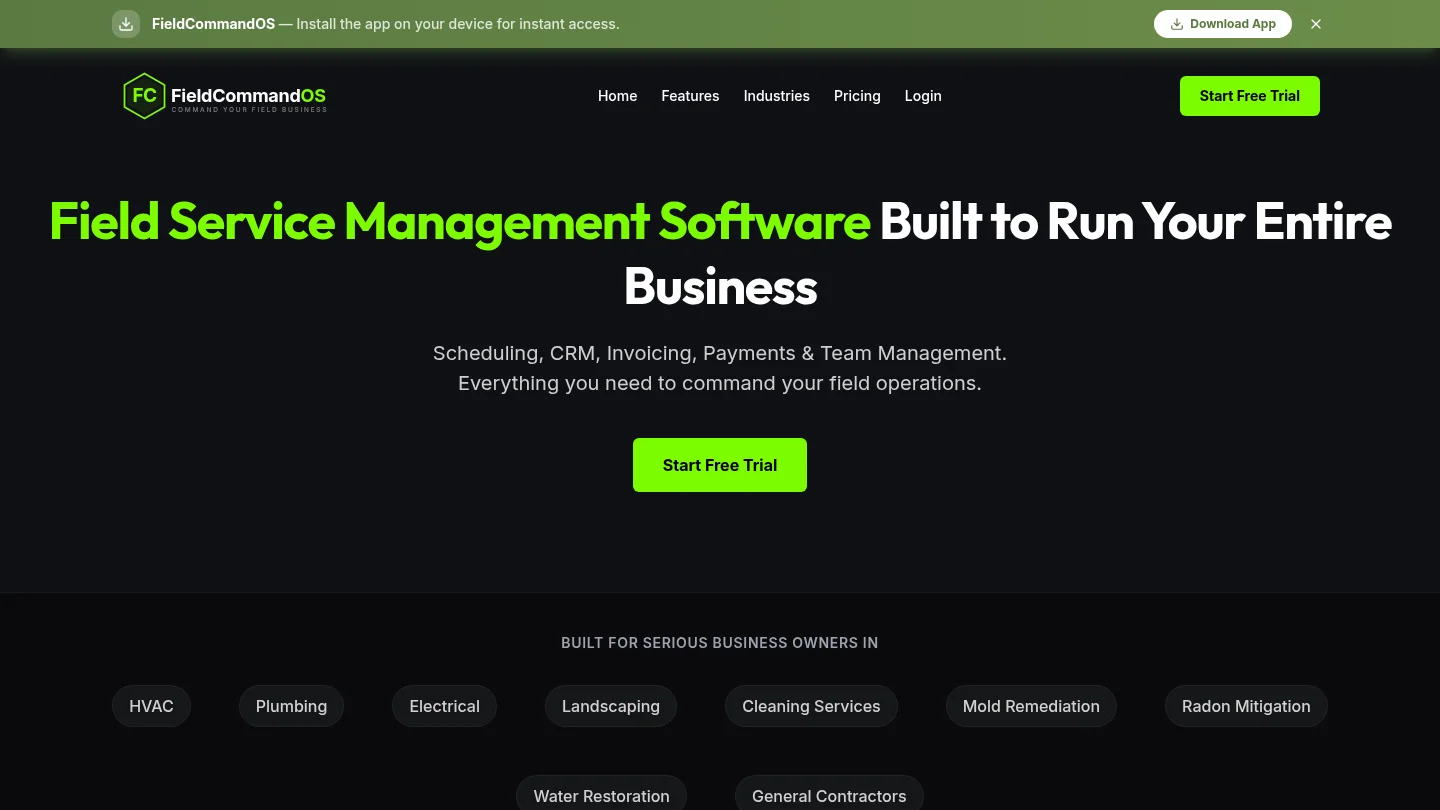
Best for: Owner-operators and small crews who want an approved service estimate to stay connected to scheduling, field documentation, and billing.
Our workflow carries customer and job details from estimate approval into scheduling. Technicians can add time, photos, forms, and notes from the field, and completed jobs can become invoices through our HVAC invoicing software. That connection reduces repeated entry between separate work records.
Our founder, Daniel McClain, developed the platform while operating inspection, radon, and mold service businesses, not HVAC contracting companies. A customer testimonial from Ken M in Freeport, Maine, describes checking schedule changes, technician assignments, and hours in one place. It is an individual service-operator example, not an HVAC performance measure.
Starter costs $29 monthly or $276 annually for up to two users. Professional costs $79 monthly or $756 annually for up to seven users. Business costs $159 monthly or $1,524 annually for up to 15 users. Each plan starts with a 14-day trial, and annual billing costs about 20% less than 12 monthly payments.
Pros:
- Connects estimate approval to scheduled work, field records, invoicing, and payment collection.
- Publishes plan prices and user limits, making it easier to compare costs with a small crew.
- Offers a 14-day trial for each plan, so you can test the handoff using actual service calls.
Cons:
- It does not replace accounting software. QuickBooks sync is listed as coming soon in Professional; until then, users can export records for their accountant.
- Its documented strength is the service workflow, not specialized HVAC load calculations or drawing takeoffs.
2. Workiz
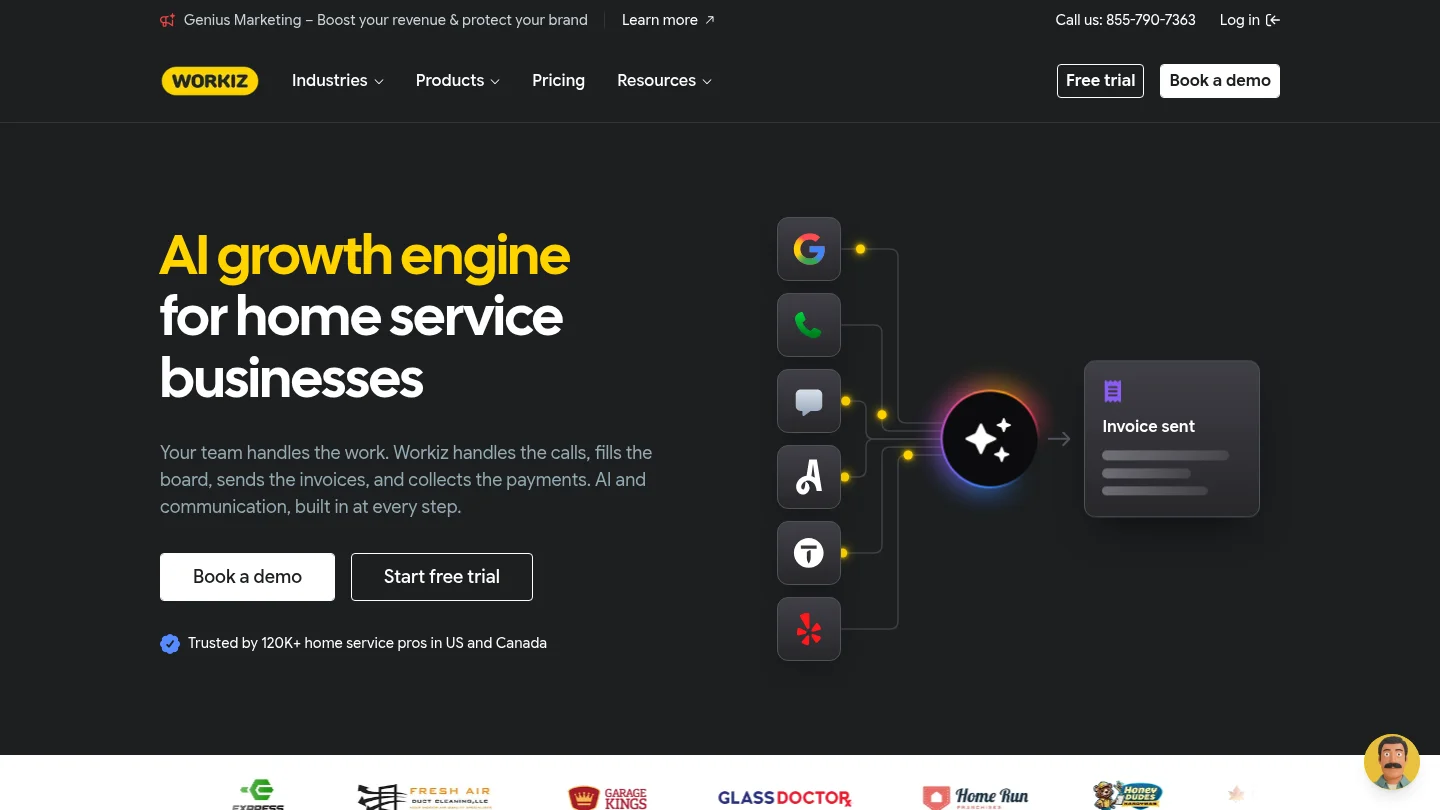
Best for: HVAC businesses that want a trade-specific price book and customer-facing service proposals within their field-service platform.
Workiz describes HVAC price-book tools for organizing service, parts, and labor pricing, including bundled items shown as a flat rate. Its HVAC offering also describes Good, Better, Best options and equipment records. Approved estimates can move into scheduled work, linking quoting with day-to-day operations.
Pros:
- Supports HVAC-specific price-book workflows and service bundles that can standardize common quotes.
- Connects estimating with scheduling and offers QuickBooks integration.
- Equipment records can keep service and installation details together.
Cons:
- Its pricing page requests a quote rather than showing a monthly subscription amount.
- The pricing page places flat-rate pricing and sales proposals in Ultimate, so confirm the required tier before planning your quoting process.
3. FieldPulse
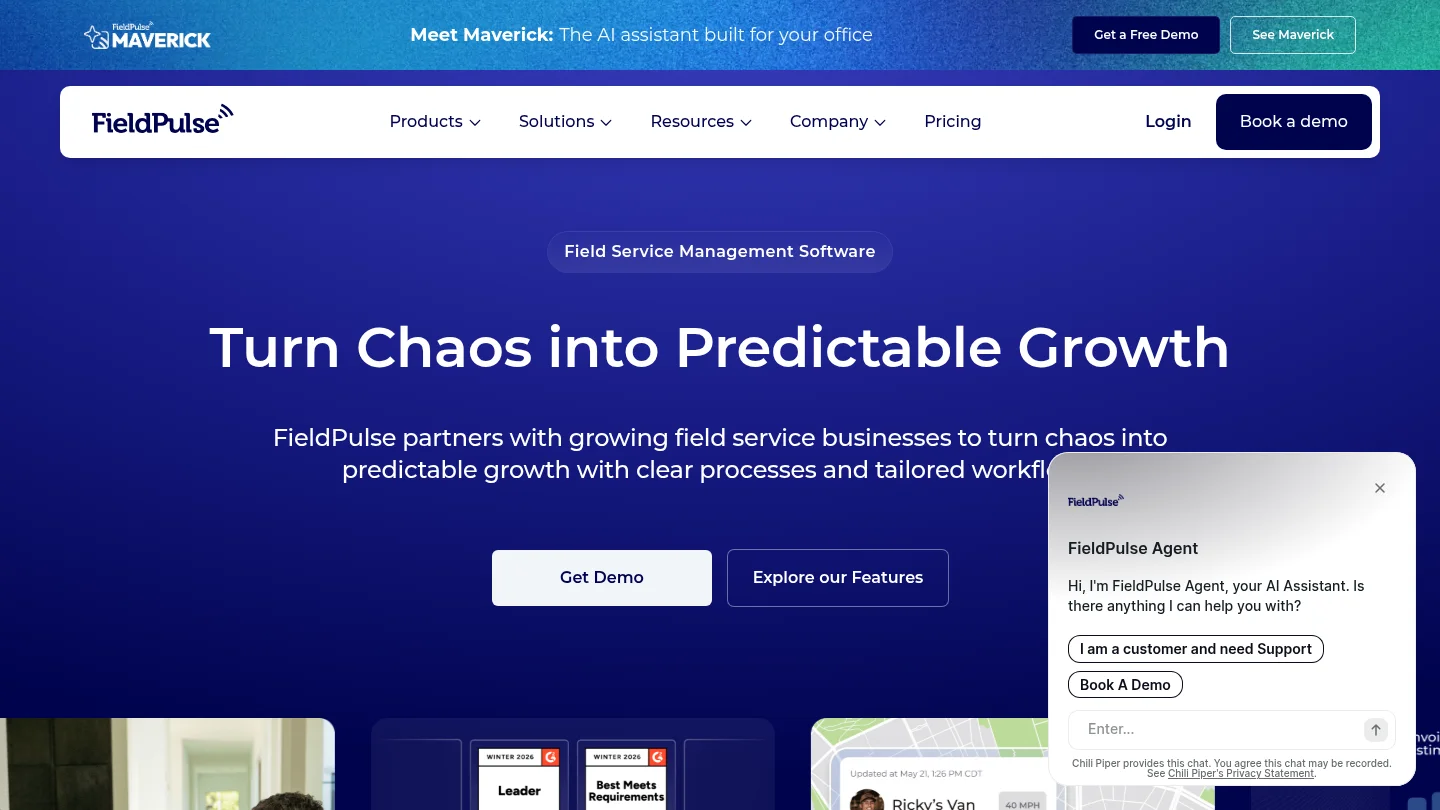
Best for: HVAC teams that want a shared price book with labor and material costs connected to estimates.
FieldPulse describes an HVAC price book and pricing tools that use job materials, time, and target profit margin. Its flat-rate calculator also accounts for loaded labor and overhead inputs. This makes it a relevant option when consistent service pricing matters more than a low, fixed published subscription price.
Pros:
- Its HVAC pricing material addresses labor, materials, and price-book updates rather than only quote presentation.
- A centralized price book can carry updated prices into estimates and invoices.
- The platform connects estimates with broader field-service workflows.
Cons:
- FieldPulse uses custom, seat-based pricing, so you need a quote to compare your team’s subscription cost.
- Review the proposed configuration to confirm which price-book features and seats your team needs.
4. Jobber
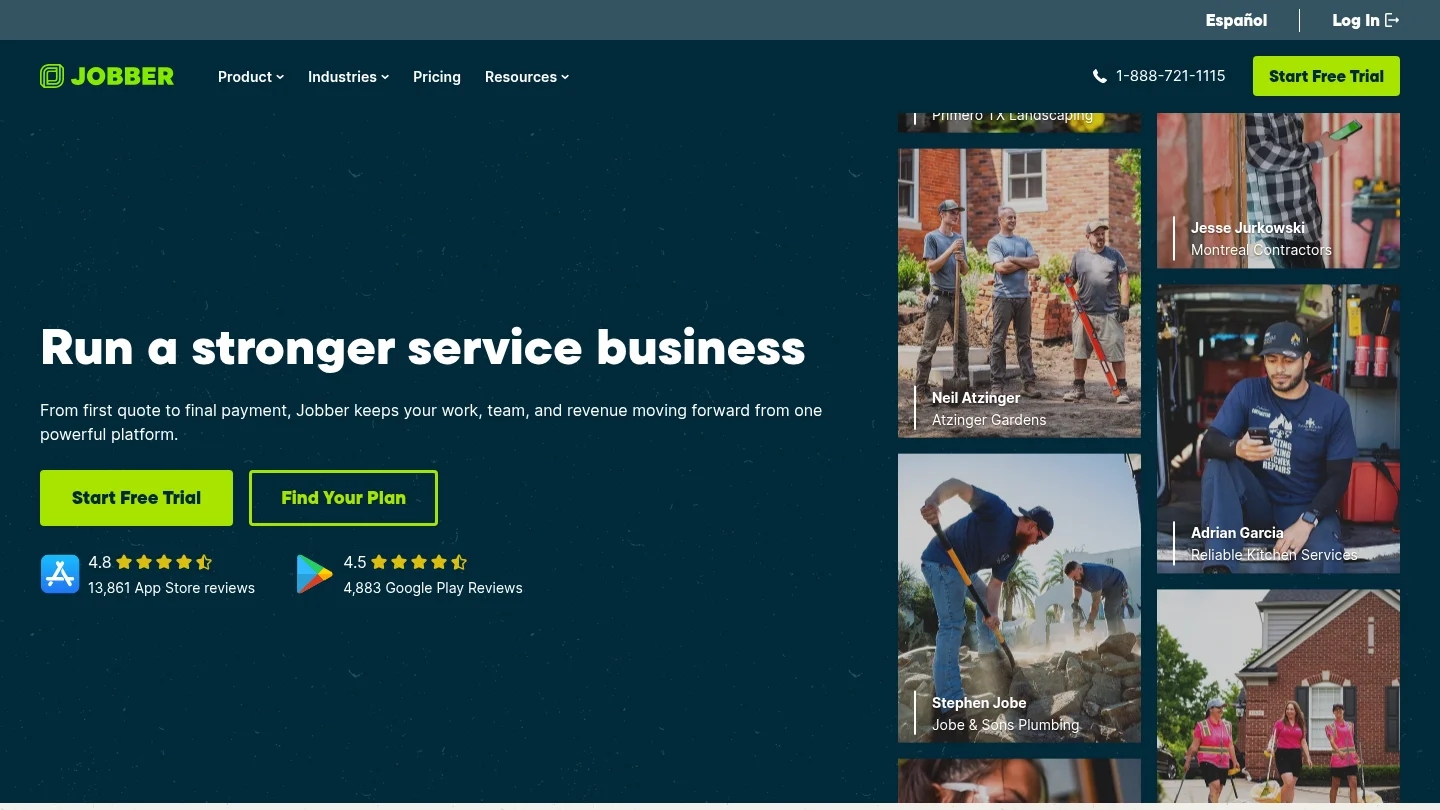
Best for: Service contractors who want flexible quotes connected to customer records, job scheduling, and invoicing.
Jobber supports quote templates, line items, optional items, and customer approval. An approved quote can become a job, be scheduled, and proceed to invoicing. Its Core plan is listed from $29 per month when prepaid annually for one user, with higher team plans available.
Pros:
- Connects customer quotes to the job and schedule, reducing the need to rebuild approved work details.
- Offers optional quote items for presenting additional work alongside a core service.
- Publishes a starting price for its single-user Core plan.
Cons:
- Core is for one user, so a team needs a higher-priced plan.
- Its documented quoting workflow serves field-service businesses broadly rather than focusing on HVAC-specific estimating calculations.
5. ServiceM8
Best for: Small service businesses that want quoting, job scheduling, and payment tools with published plan prices.
ServiceM8 lets users add labor and materials to quotes and send them for online acceptance. Its Starter plan is listed at $29 per month, includes unlimited users, and allows 50 new jobs monthly. More advanced job-costing and markup features are available in higher plans, including Premium at $149 per month.
Pros:
- Combines labor and material items with online quote approval and scheduling.
- Provides published pricing and unlimited users on paid plans.
- Higher tiers add job-costing and markup tools.
Cons:
- Plans include monthly job limits, so compare expected seasonal volume with the allowance for your chosen tier.
- Its documented estimating workflow is for service businesses generally, not a dedicated HVAC design or takeoff system.
6. Kickserv
Best for: Small field-service teams that want straightforward estimates, customer approvals, and a defined team plan.
Kickserv supports detailed estimates that show line items, quantities, and prices, or summary views that show a total. Customers can approve estimates, and the approved estimate becomes an unscheduled job. Its Start plan is listed at $60 monthly for five users, with larger plans for growing teams.
Pros:
- Lets you choose between itemized and total-price estimate views.
- Publishes monthly prices and team sizes for its core plans.
- Connects estimates with customer records and job management.
Cons:
- An approved estimate becomes an unscheduled job, so dispatch requires a separate scheduling step.
- Its published estimate information emphasizes general field-service quoting rather than HVAC-specific cost calculations.
How to test an HVAC quote workflow before switching
Start with a common repair call and a replacement quote. Add your usual labor, equipment, materials, and any optional work, then review the customer-facing estimate on a phone. This simple test reveals whether technicians can build consistent quotes without hiding important details or re-entering prices.
Next, approve the test quote and follow it through scheduling, field notes, and invoicing. Check whether the software carries the same customer and job information forward. Ask who can edit pricing, how approved changes are recorded, and whether your accounting process requires a sync or a manual export.
Finally, compare the plan limit with your busiest month, not only an average week. Confirm seat counts, job caps, proposal features, and any required add-ons before choosing. If your bids depend on residential load calculations or drawing takeoffs, test those technical workflows separately from customer quote creation.
Conclusion
For an owner-operated HVAC service business, prioritize software that carries an approved estimate into the same job record, schedule, field documentation, and invoice. FieldCommandOS best fits that connected-workflow need. Teams focused on HVAC price-book formulas should compare FieldPulse or Workiz, while load calculations and plan takeoffs require a separate technical workflow. Choose HVAC estimating software based on the work you actually quote and the crew that must deliver it.
Connect Estimates to Field Operations
An estimate has value only when its approved scope reaches the team scheduling and completing the work. Our platform keeps customer, job, schedule, field notes, invoice, and payment activity connected, which suits owner-operators and small crews seeking fewer handoffs.
Every plan starts with a 14-day free trial. Starter is $29 per month billed monthly or $276 per year, for up to two users. Professional is $79 monthly or $756 annually, for up to seven users. Business is $159 monthly or $1,524 annually, for up to 15 users. Annual billing costs about 20% less than 12 monthly payments. Test estimate approval, job scheduling, technician notes, invoicing, and payment collection in our estimates feature. Professional includes time tracking and payroll export; QuickBooks sync is coming soon, and the platform does not replace accounting software.
Frequently Asked Questions
Does HVAC estimating software calculate residential load requirements?
Not necessarily. Customer quote tools and residential load calculations serve different purposes, so use an appropriate design workflow when system sizing is required.
What costs should an HVAC estimate account for?
Consider labor, equipment, materials, overhead, and the scope of optional work. Check that your team applies pricing consistently across common repairs and replacements.
Should customers be able to approve estimates online?
Online approval gives customers a clear way to accept a quote and can keep approval tied to the job record. Confirm how the software records changes or signatures.
Can FieldCommandOS replace accounting software?
No. FieldCommandOS handles estimates, invoicing, and payment collection, but it does not replace accounting software.
What should I test during a software trial?
Build a typical estimate, send it for approval, and follow the accepted work through scheduling and invoicing. Also check that technicians can access the job details they need in the field.