HVAC CRM Software for Small HVAC Service Teams: 6 Options
Compare hvac crm software for small HVAC crews, including job workflows, dispatch, pricing, mobile tools, and key trade-offs.

What happens when a missed callback, estimate, or schedule change lives in a different app? Our field service management software connects customer and job records across estimates, scheduling, field notes, invoices, and payment collection. For small HVAC teams, HVAC CRM software should keep that sequence together, not simply store contact names.
HVAC operations also depend on site details, including equipment history, recurring maintenance, and dispatch. Software Advice analyzed 330 advisor conversations with HVAC buyers from January 2025 through July 2026; its findings highlight scheduling, dispatch, work orders, billing, estimating, CRM, and mobile tools as common priorities. Those conversations offer a useful checklist, not product testing. Read the HVAC buyer analysis for its findings.
HVAC CRM software options at a glance
For a small HVAC crew seeking one record from lead to payment, FieldCommandOS is a strong option to evaluate first. Its workflow connects CRM, estimates, approvals, dispatch, field notes, invoices, and payment collection; compare each option’s pricing and HVAC-specific functions against your needs.
| Rank | Software | Workflow coverage | Published price and team fit | HVAC considerations |
|---|---|---|---|---|
| 1 | FieldCommandOS | CRM, estimates, approvals, dispatch, field records, invoices, payments | $29 to $159 monthly; plans support 2 to 15 users | Core job workflow; dedicated equipment history and service agreement functions are not specified |
| 2 | ServiceM8 | Scheduling, quotes, invoices, customer history, recurring jobs | Free for one user; paid plans are $29 to $349 monthly, with job limits | Asset management and recurring maintenance scheduling are available |
| 3 | Workiz | Dispatch, estimates, invoices, recurring jobs, online payments | Plans require a pricing request; some tools are sold separately | Service plans and equipment tracking appear in its feature comparison |
| 4 | Kickserv | CRM, estimates, jobs, invoices, mobile access, payments | Flex is listed at $19 monthly for 3 users; core plans have different team limits | Confirm the specific equipment and maintenance workflows you need |
| 5 | Jobber | Scheduling, job details, technician updates, quotes, payments | Check current plan pricing and user allowances | Review the selected plan against your equipment and service agreement needs |
| 6 | FieldPulse | Customer and job management, scheduling, estimates, invoices | Seat-based pricing by custom quote | Discuss your HVAC workflow and required tools when requesting a quote |
1. FieldCommandOS
Best for: Owner-operators and small HVAC crews that want customer management connected to estimates, scheduling, field records, invoicing, and payment collection.
Our platform carries job information from lead capture through estimate approval, scheduling, field work, and invoicing. Technicians can record time, photos, forms, and notes from a phone. Our founder, Daniel McClain, built the workflow from daily work in inspection, radon, and mold businesses. That experience informs field operations, but it is not HVAC operating experience. Our overview of software for HVAC businesses provides more context on the trade.
Pros
- Approved estimates can become scheduled jobs, and completed jobs can become invoices, keeping the customer record connected across steps.
- Plans have published monthly and annual prices, with seat limits for teams of up to 2, 7, or 15 users. Each plan includes a 14-day trial.
- Technicians can add field documentation to the job record, while customers can receive estimates, sign electronically, book online, and pay invoices online.
Cons
- Our platform does not replace accounting software. QuickBooks sync is listed as coming soon; users can export records for their accountant meanwhile.
2. ServiceM8
Best for: Small service businesses looking for a mobile job workflow with recurring work and equipment records.
ServiceM8 connects scheduling, quotes, invoices, client history, and field documentation. Its plans have monthly job limits, while paid plans allow unlimited users. Asset management, which lets businesses record equipment details and service history, is available from the Growing plan. Recurring job scheduling is also listed, making this option worth considering when maintenance visits are routine.
Pros
- Paid plans start at $29 per month and range up to $349 per month; the free plan is limited to one user and 30 jobs monthly.
- Asset management is available on Growing and higher plans, while recurring jobs and maintenance scheduling are listed across plans.
- Job and client records can hold notes, photos, and messages for field teams to review.
Cons
- Monthly job caps differ by plan, so estimate your service-call volume before choosing a tier.
- Asset management and electronic forms are not included on every plan.
3. Workiz
Best for: Service companies that value call handling, dispatch, recurring jobs, and payment workflows in one system.
Workiz includes customer and job management, estimates, invoices, online payments, and recurring jobs. Its feature comparison also lists service plans, equipment tracking, and QuickBooks Online sync. Plans are available by pricing request, and some phone, answering, and marketing tools are sold separately. Ask for a quote that itemizes the features and services your crew would use.
Pros
- Core plans list unlimited jobs, estimates, invoices, and clients.
- Its feature set includes customer account management, online booking, payment tools, and recurring jobs.
- Service plans and equipment tracking are relevant functions to discuss for HVAC maintenance workflows.
Cons
- Plan prices require a request, making direct budget comparisons less immediate.
- Some phone, answering, and marketing capabilities are separate purchases, so review the full cost.
4. Kickserv
Best for: Small service businesses seeking customer, job, estimate, invoice, and payment tools with mobile access.
Kickserv combines a contact manager with estimates, scheduled jobs, invoicing, and customer communications. Its Flex plan is listed at $19 per month for three users, and its help center describes it as an option for smaller teams. The Start, Run, and Scale plans list different user allowances, so compare each plan’s current cost and limits against your crew size.
Pros
- The Flex plan includes CRM, estimates, jobs, invoices, mobile apps, and payment tools.
- Kickserv lists a customer center and QuickBooks integration, which can support customer access and accounting workflows.
- Its Start, Run, and Scale plans are designed for different team sizes.
Cons
- The Flex plan has a three-user limit, so larger crews need to compare other plans.
- Confirm that the plan you choose supports your specific equipment records and recurring maintenance process.
5. Jobber
Best for: Field-service teams seeking a connected schedule, technician app, and customer job workflow.
TechRadar’s 2026 review describes Jobber’s drag-and-drop calendar, technician access to job details, photo capture, forms, time logging, and mobile payments. Those tools may suit HVAC teams that need office and field staff to share job updates. Review the current plan pricing and user allowance, then check whether the selected package supports your service agreement and equipment-history process.
Pros
- A visual schedule supports dispatch changes, including moving appointments between technicians.
- The technician app supports job details, photos, forms, time tracking, and payment collection.
- Its workflow is relevant to field-service businesses, including HVAC contractors.
Cons
- Confirm the current plan cost and feature availability for your particular team size and workflow.
6. FieldPulse
Best for: Field-service businesses seeking seat-based pricing and a team-specific setup.
FieldPulse describes its core platform as supporting business operations and offers additional products such as custom forms, fleet tracking, and communications tools. Its pricing page says costs depend on seats and team requirements, with a custom quote. Bring a list of users, field roles, and HVAC processes to the pricing discussion so the proposed package matches your day-to-day work.
Pros
- Seat-based pricing lets businesses request a quote based on team size and access needs.
- Its product lineup includes optional tools for forms, communications, and fleet visibility.
- A tailored workflow may suit teams that want to discuss specific requirements with the provider.
Cons
- Pricing is not presented as a simple fixed monthly plan, so comparing total costs requires a quote.
What should an HVAC business verify before choosing?
Does the customer record store only contact details, or also the equipment and service history technicians need at the site? HVAC teams that depend on recurring visits should test equipment history, service agreement reminders, and maintenance scheduling, not just contact management. The Air Conditioning Contractors of America’s 2014 contractor examples describe dispatch boards and customer and equipment records as useful parts of coordinating service work. Those examples are historical, but the practical questions remain relevant.
Next, test a real emergency-call scenario. Check how quickly an office user can find technician availability, move a visit, and notify the customer. TechRadar’s 2026 HVAC selection checklist also emphasizes dispatch visibility and the ability to reassign jobs when priorities change. Compare the day-to-day dispatch workflow, not only the feature names in a sales presentation.
Then trace an estimate through completion. The technician should be able to access job details, capture field documentation, and record work without creating a disconnected invoice or customer history. Compare which systems carry an approved estimate into scheduling and a finished job into billing. Our related article on HVAC software options offers additional context for that comparison.
Finally, check cost and accounting boundaries. Confirm whether the price is per user, per job, or custom quoted, and ask which phone or payment services have separate provider fees. Test the accounting connection with your actual bookkeeping process. A CRM can organize estimates and invoices, but that does not automatically make it a full accounting system.
Choosing HVAC CRM software for your crew
The right HVAC customer and job management software should fit your team size and connect calls, estimates, dispatch, field records, and billing. Before committing, test a regular maintenance visit and an urgent repair from first contact through payment. Confirm how equipment records, service agreements, accounting, and per-user costs work in the exact plan you are considering.
Connect customer records to every HVAC job
If you run a small HVAC team, disconnected messages, calendars, estimates, and payment tools can make handoffs harder. Our platform connects customer and job records through estimating, scheduling, field documentation, invoicing, and payment collection. Founder Daniel McClain draws on daily work in inspection, radon, and mold businesses; that experience informs field-service workflows, though it is not direct HVAC operating experience.
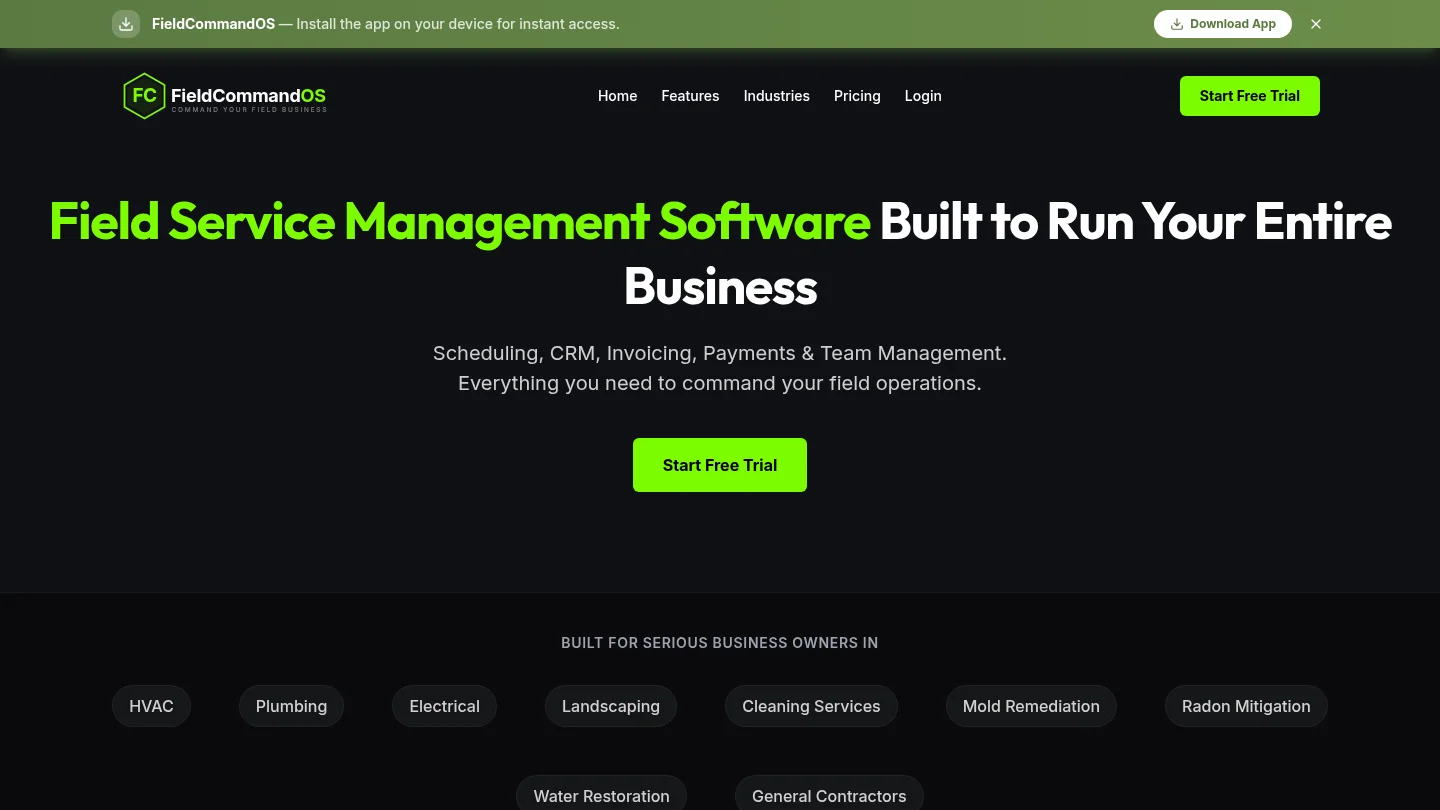
Starter costs $29 per month or $276 annually for up to 2 users. Professional costs $79 monthly or $756 annually for up to 7 users. Business costs $159 monthly or $1,524 annually for up to 15 users. Each plan includes a 14-day free trial. Review our customer and job management features to see whether the workflow and team limits fit your business.
Frequently Asked Questions
What does HVAC CRM software do?
It organizes customer information and connects it to work such as estimates, scheduling, field notes, and billing. Some systems also support recurring maintenance, equipment history, or customer communications.
Does an HVAC business need a trade-specific CRM?
Not always, but HVAC-specific workflows can matter when you track installed equipment, recurring maintenance, or service agreements. Compare those requirements with the actual features in each plan.
Should the system track equipment and maintenance agreements?
That depends on how your team manages service history and recurring visits. If technicians need unit details or agreement schedules at the job site, test those records in the mobile workflow before choosing.
Can CRM software replace accounting software?
A CRM may create estimates and invoices and record payments, but that does not mean it replaces accounting software. Check which accounting connections are available and what information they transfer.
What should I test during a demo or free trial?
Run one ordinary service call and one urgent repair through the full process, from customer request to payment. Ask a technician to use the mobile workflow and confirm that the office can see the updated job record.