Best Water Restoration Software for Contractors in 2026
Compare water restoration software for 2026, from drying documentation tools to field platforms for scheduling, estimates, and billing.

When a water loss means an intake call, a site visit, and repeated drying checks, job records need to keep pace with the crew. For small restoration teams, our field service management software connects estimates, scheduling, field records, invoicing, and payment in one workflow.
Choosing water restoration software requires a second check: general job management is not the same as moisture monitoring or claim-specific estimating. The EPA’s water-damage guidance recommends drying affected areas and items within 24 to 48 hours to help prevent mold growth. Compare each platform’s ability to capture photos, readings, room details, and follow-up visits, then confirm any insurer-specific tools your team relies on.
What should water restoration software document?
Water losses require more than a standard service invoice. The IICRC describes its S500 professional restoration standard as covering project documentation, risk management, psychrometry, drying technology, and inspections. Its standards page says revision work has begun on the 2021 edition. A useful system should help your team organize drying documentation, measurements, equipment notes, room locations, and visit dates. The IICRC’s S500 standard provides useful context for deciding which records your workflow needs.
For a practical test, ask a vendor to demonstrate a complete revisit: add a reading to a room, attach photos and notes, then retrieve the earlier visit. FEMA’s flood recovery guidance advises property owners to photograph damage before discarding items and retain repair receipts. FEMA’s flood documentation guidance illustrates why retrievable site photos and job records matter. Confirm that staff can find the right evidence without searching through separate text threads or devices.
Top water restoration software options for 2026
If the main gap is coordination, a field service platform may cover the everyday job sequence. If the priority is restoration-specific visual evidence and estimates, a specialist may fit better. The comparison below distinguishes documented field operations from explicit restoration-focused capabilities.
| Rank | Software | Restoration-specific focus | Documented field operations |
|---|---|---|---|
| 1 | FieldCommandOS | Water restoration is a named trade; workflow is general field service management. | Estimates, scheduling, field forms, notes, photos, time, invoicing, and payment. |
| 2 | DocuSketch | 360-degree documentation, sketches, scopes, and restoration estimating. | Visual records, timelines, and estimates. |
| 3 | Workiz | Restoration-focused field service offering. | Scheduling, dispatch, communications, estimates, and QuickBooks integration. |
| 4 | ServiceM8 | General trade and service business software. | Digital job cards, notes, photos, scheduling, estimates, invoices, and accounting connections. |
| 5 | FieldPulse | General field service platform. | Dispatch, job management, custom forms, estimates, invoices, and job costing. |
| 6 | Jobber | General home and commercial service platform. | Workflow from quote through final payment. |
| 7 | Kickserv | General field service platform. | Customer management, estimates, scheduling, invoices, mobile tools, and QuickBooks integration. |
1. FieldCommandOS
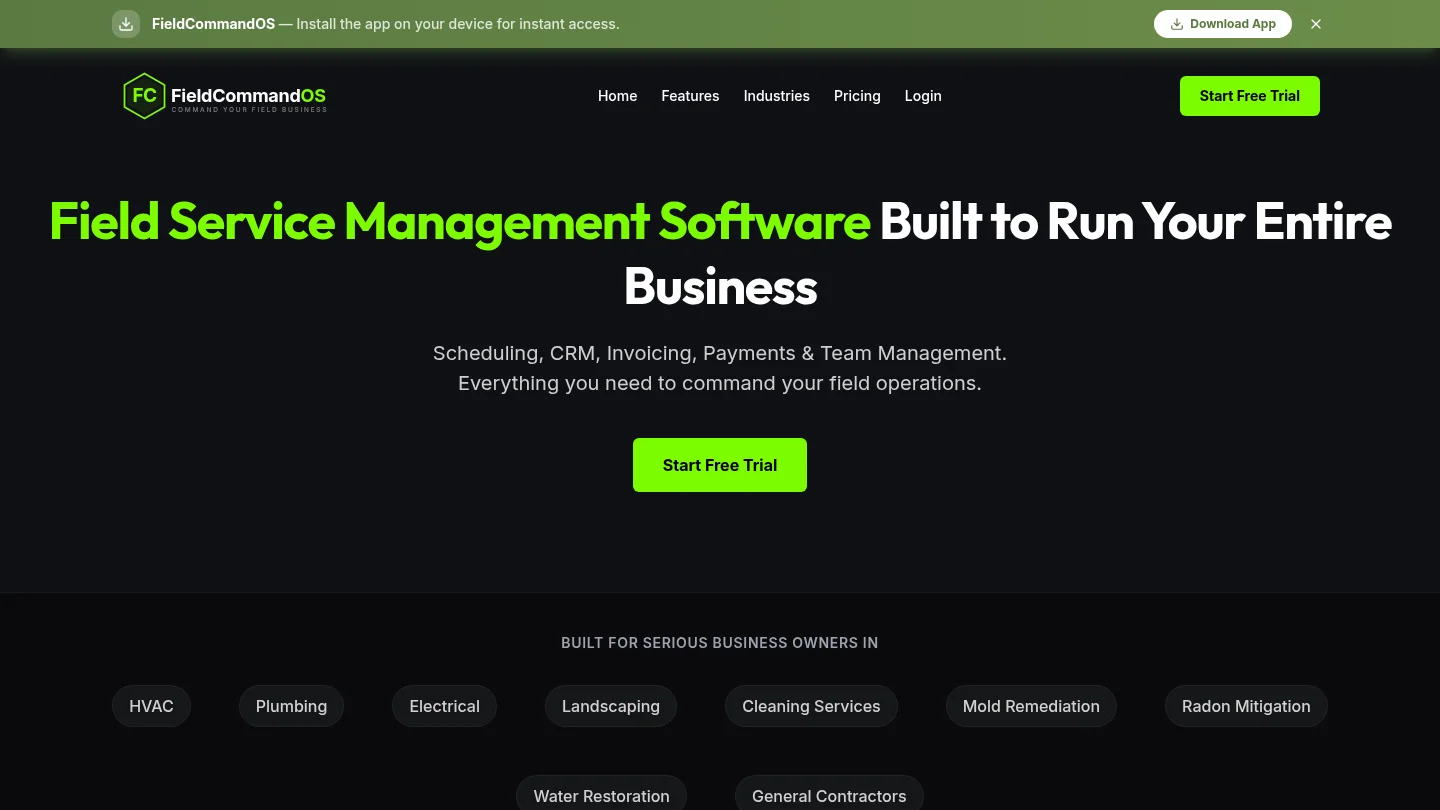
Best for: Owner-operators and small crews that want customer, job, and billing records connected from first contact through payment.
Our platform carries an approved estimate into a scheduled job, then carries field notes, photos, forms, and time into the invoicing workflow. Technicians can access job information from a mobile progressive web app, while the live calendar and map support crew assignment. Our dispatch software supports that schedule-to-field handoff. The founder’s experience operating inspection, radon, and mold businesses informs the connected workflow, but does not establish specialized water-restoration features.
Plans range from Starter at $29 monthly for up to 2 users to Business at $159 monthly for up to 15 users. Professional supports up to 7 users at $79 monthly. Each plan includes a 14-day trial, and annual billing costs about 20% less than paying monthly for 12 months.
Pros
- Connects estimates, approvals, scheduling, field records, invoicing, and payment, reducing handoffs between office staff and technicians.
- Supports time, photos, forms, and notes from the field, which helps crews keep job documentation with the customer record.
- Plan limits and trial terms are clear for small teams comparing costs before committing.
Cons
- Built-in moisture readings, psychrometric logs, drying maps, and carrier-specific estimate formats are not established features. Keep or select specialist tools if your work requires them.
- FieldCommandOS handles estimates, invoicing, and payment collection, but does not replace accounting software. QuickBooks sync is listed as coming soon in Professional.
2. DocuSketch
Best for: Restoration businesses that need 360-degree visual records, sketches, scopes, and estimating in their mitigation workflow.
DocuSketch’s water mitigation offering focuses on 360-degree documentation, measured sketches, scope reports, and estimating. Its product information also describes a timeline feature for organizing visual records across visits. This makes it a specialist option when a room-level visual record and the documentation-to-estimate sequence are central requirements. The vendor describes its estimates as insurance-compliant; confirm that its formats and submission process suit your carrier and claims workflow.
Pros
- Built specifically around water mitigation and restoration documentation, rather than only general service business operations.
- Combines visual capture, sketches, scopes, and insurance estimates in a focused workflow.
- Timelines can organize visual records across repeat visits.
Cons
- The vendor’s page still describes dedicated drying logs and moisture tracking as planned, with a Summer 2026 target. Since that target has passed, confirm the current release status and plan availability before buying.
- Its documented strengths center on documentation and estimating. Check whether your team also needs a separate system for dispatch, customer management, and invoicing.
3. Workiz
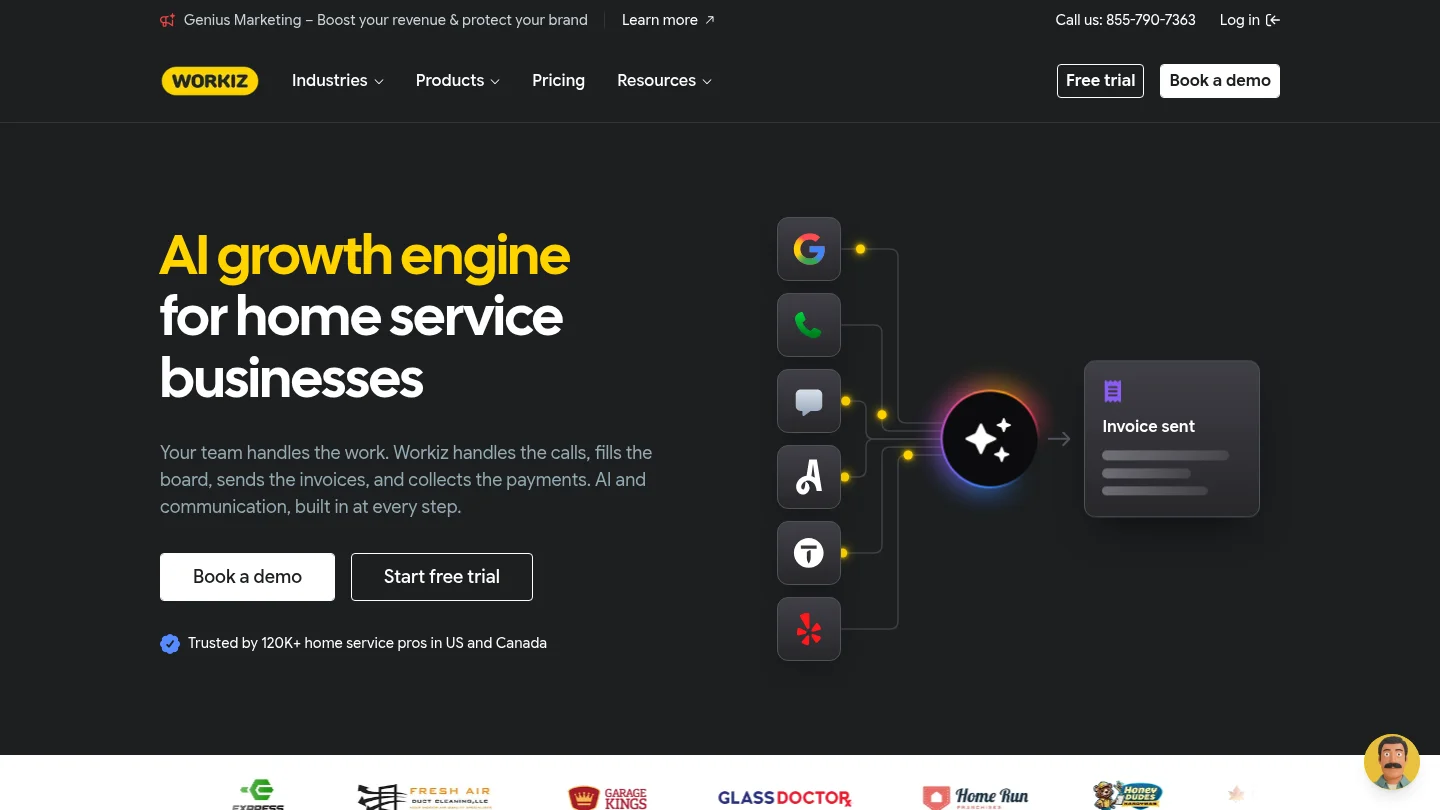
Best for: Restoration businesses seeking a field service platform with an industry-focused offering and integrated operations.
Workiz presents a restoration-focused platform for scheduling, dispatch, communications, estimates, and other business tasks. Its restoration page describes customizable sales proposals with three estimate options and states that QuickBooks integration syncs invoices, customers, and payments. The mobile app is described as supporting estimates and customer communication in the field. These functions make Workiz a relevant option for teams prioritizing job dispatch and customer coordination.
Pros
- Markets a restoration-specific field service workflow rather than only a general contractor platform.
- Combines dispatch, communication, estimates, and QuickBooks integration.
- Three-option proposals give customers different scopes to consider.
Cons
- Confirm whether your required moisture readings, psychrometric records, and drying logs are included in the package you are evaluating.
4. ServiceM8
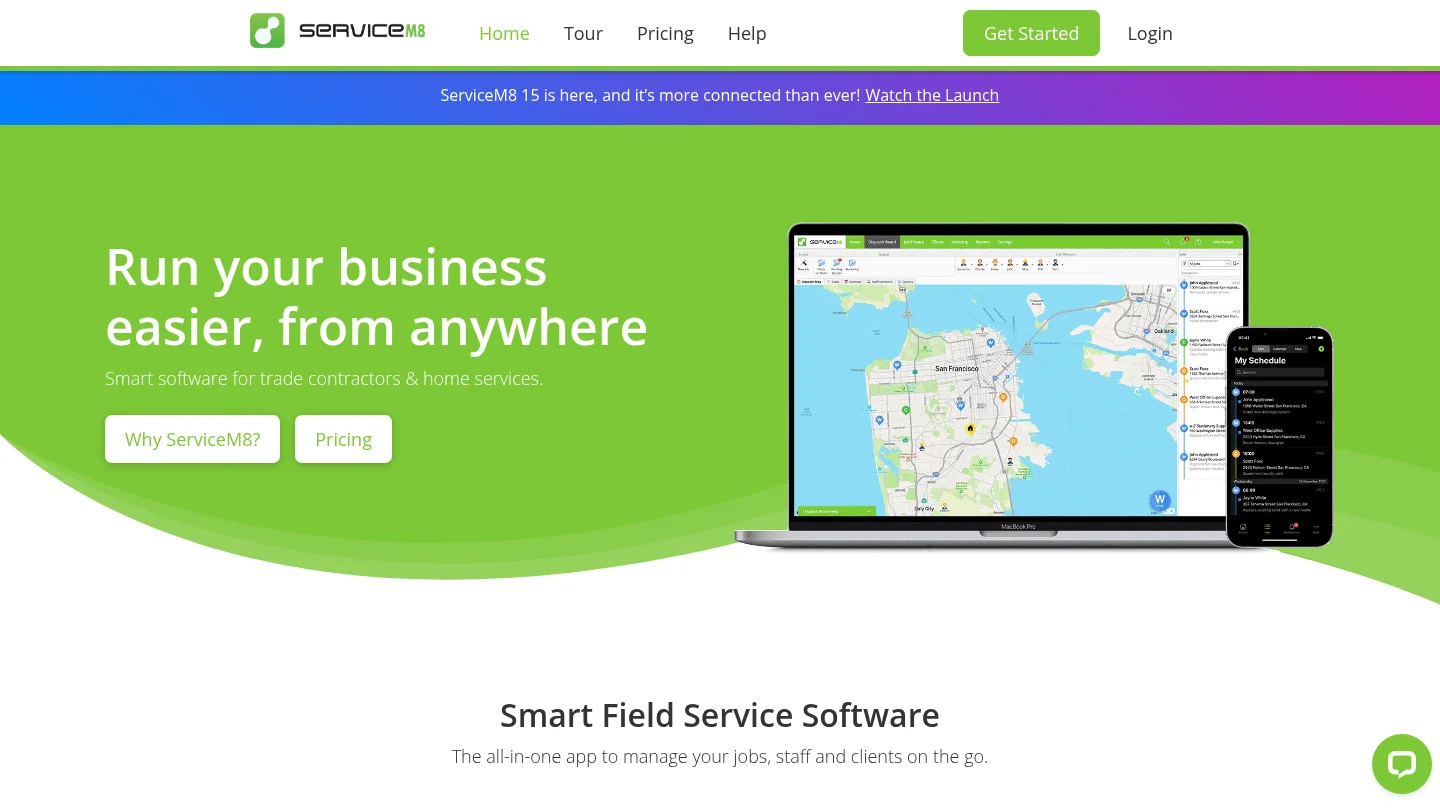
Best for: Small trade and service teams that want mobile job cards, scheduling, and customer billing workflows.
ServiceM8’s U.S. offering describes digital job cards, staff scheduling, notes, photos, videos, on-site estimates and invoices, mobile payments, and QuickBooks or Xero connections. Its pricing page lists a free plan for one user and 30 jobs per month, with paid plans starting at $29 per month. It also offers a 14-day trial. These capabilities cover core field records and administration, though the product is positioned for trades and home services generally.
Pros
- Combines mobile job records, scheduling, customer communication, estimates, and invoicing.
- Includes accounting connections and a trial option.
- A free tier gives a solo operator a way to assess the workflow within its job limit.
Cons
- Job limits apply to the plans listed on its U.S. pricing page, so compare monthly capacity with seasonal restoration volume.
- Its general trade positioning does not establish specialized moisture tracking or carrier-specific estimating. Verify those needs separately.
5. FieldPulse
Best for: Field service businesses that need customizable operational workflows, dispatch, and job-costing features.
FieldPulse describes a broad platform with scheduling and dispatch, job and project management, custom forms, a mobile app, estimates, invoices, QuickBooks integration, and job costing. Those functions suit businesses building repeatable work processes across office and field teams. Its product information establishes a general field-service focus, so restoration companies should test how well its forms support their specific moisture and drying records.
Pros
- Combines dispatch, custom forms, project tools, and job costing in a broad field-service platform.
- Digital forms can support structured job notes and repeated operational steps.
- QuickBooks integration is among the documented platform features.
Cons
- Confirm that the forms and records suit your required moisture readings, drying visits, and claim documentation before replacing specialist tools.
6. Jobber
Best for: Service businesses that want a general workflow connecting quotes, teams, and customer payments.
Jobber describes its platform as carrying work from the first quote to final payment. Its product information emphasizes managing work, teams, and revenue in one place for service businesses. That makes it a candidate for a restoration contractor looking to organize everyday business operations, but the general service positioning should not be mistaken for proof of specialized drying documentation.
Pros
- Supports a broad quote-to-payment workflow for service businesses.
- Focuses on connected work and team administration rather than a single estimating or documentation task.
- May suit crews that value a general service platform and do not require all restoration tools in one system.
Cons
- Confirm whether moisture logs, room-level restoration documentation, and carrier-specific estimates are supported in the plan and integrations you would use.
7. Kickserv
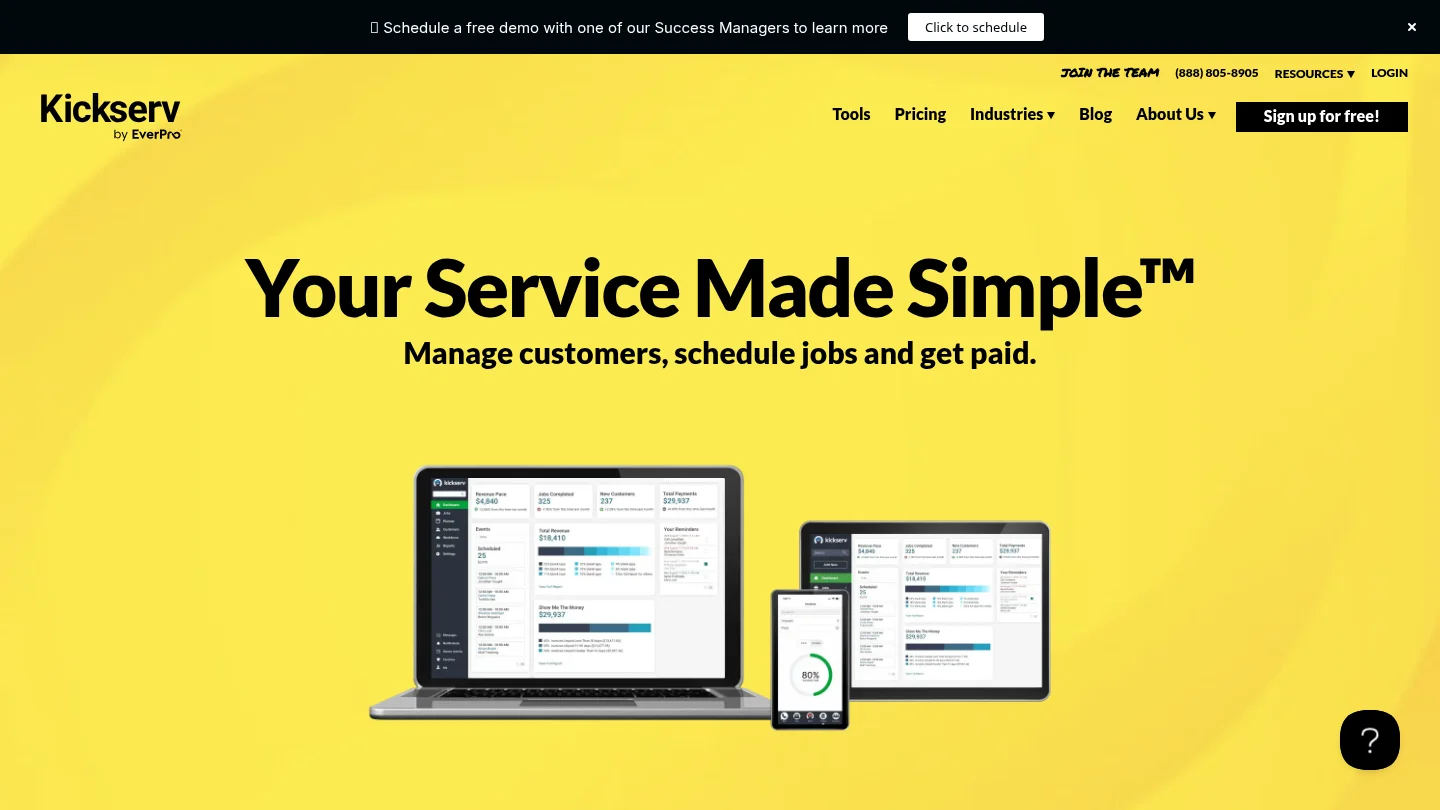
Best for: Small and growing service teams seeking customer records, estimates, scheduling, invoicing, and QuickBooks integration.
Kickserv describes customer management, estimate approvals, job scheduling, invoices, a mobile app, and a Customer Center for client updates and payments. Its homepage displays annual-billed plan rates of $60 per month for 5 users, $119 for 10 users, and $199 for 20 users. That plan structure is relevant for teams comparing seat limits, but the platform is presented as general field service software.
Pros
- Connects estimates, jobs, customer communication, invoices, and QuickBooks.
- Provides multiple published team-size tiers for businesses planning crew growth.
- The Customer Center supports customer access to job progress and payments.
Cons
- The displayed annual-billed starting tier is $60 per month, so compare the term and total cost against your team’s actual needs.
- Its general field service positioning does not establish dedicated moisture tracking or insurance estimating. Confirm those requirements before choosing it as your primary restoration platform.
Conclusion
Choose a platform around the work your team must document, not only its product label. For a small crew that needs intake-to-invoice coordination, a connected field service system is a practical base. If moisture logs, room scans, or insurance-ready estimates are essential, confirm those functions in a product demonstration before consolidating tools. The strongest water restoration workflow keeps visit history and field evidence usable through drying, approvals, and billing.
A Connected Workflow for Water Restoration Crews
FieldCommandOS was shaped by a working operator who runs inspection, radon, and mold businesses. Our workflow is designed for independent service teams that want one customer record to carry a lead through estimate approval, scheduling, field notes, invoicing, and payment. It supports business operations, not specialized moisture monitoring or carrier-specific estimating.
Every plan includes a 14-day trial. Starter costs $29 monthly or $276 annually for up to 2 users; Professional is $79 monthly or $756 annually for up to 7; Business is $159 monthly or $1,524 annually for up to 15. Annual billing costs about 20% less than paying monthly for 12 months. Review our field service platform for water restoration crews to see whether its connected operations fit your needs.
Frequently Asked Questions
What makes restoration software different from general field service software?
General field service software organizes customers, schedules, estimates, field work, and billing. Restoration-focused tools may add visual property documentation, drying records, moisture tracking, or specialized estimating, so confirm each feature directly.
Does every water restoration platform include moisture monitoring?
No. Some platforms focus on general job management or visual documentation rather than dedicated moisture logs. Ask for a demonstration of how readings are recorded, tied to a room, and retrieved across visits.
Can FieldCommandOS create water-damage claim estimates?
FieldCommandOS supports business estimates and approvals, but its documented workflow does not establish carrier-specific estimate formats or moisture mapping. If your work depends on specialized claim estimating, confirm compatibility or retain a dedicated tool.
Which option is suited to 360-degree property documentation?
DocuSketch is the specialist option in this selection for 360-degree capture, sketches, scopes, and estimating. Confirm the current availability of any dedicated drying-log or moisture-tracking feature before purchase.
How should a small crew compare software costs?
Compare the number of users, job limits, billing term, trial conditions, and any external payment or communication charges. Also include the cost of specialist documentation or estimating tools if your chosen platform does not cover them.