Plumbing Pricing Software: Costs, Plans, and Fees Explained
Compare plumbing pricing software by user limits, billing terms, estimating tools, and added fees before choosing a plan for your plumbing team.

What should you compare before a monthly software fee becomes part of your overhead? For plumbing pricing software, begin with the work it covers, then examine seat limits and outside charges. Our plumbing estimating software sits within a connected workflow that can carry an approved estimate into scheduling, job records, invoicing, and payment collection.
The right price depends on whether you run jobs alone, coordinate technicians, or need multi-location controls. A low subscription may omit services billed separately, while an advanced tier can include tools that replace other subscriptions. Compare the full workflow against your actual month of work, not a feature list you are unlikely to use.
What drives the cost of plumbing software?
A solo plumber who sends a handful of estimates has different needs from a crew coordinating daily dispatch and follow-up. Start by identifying whether a provider charges per company, per user, by job volume, or through a custom quote. Each model affects the bill differently as your workload and team change.
Then compare what the subscription includes. An estimating tool may focus on quotes, while broader field-service software can connect estimates with scheduling, customer records, field notes, invoices, and payments. Per-user pricing can rise as you add technicians; a flat subscription may be easier to forecast, but check its user and usage limits.
For plumbing estimating software pricing, pay attention to costs beyond the listed subscription. Software Advice buyer guidance, based on advisor conversations from January 2025 through July 2026, describes both flat monthly and per-user quotes. Roughly one-third of the buyers discussed reported receiving a one-time setup fee quote.
How do our 2026 plan prices fit your crew?
For 2026, our plans use monthly or annual billing, with the seat limit and included tools changing by tier. The annual option costs about 20% less than paying the monthly rate for twelve months. Compare the plan against the number of people who need access and the work you want to manage in one system.
Starter: up to 2 users
In 2026, Starter costs $29 per month, or $276 per year, which works out to about $23 per month. It includes core customer management and scheduling, estimates and invoices, contracts and e-signatures, basic reporting, and a mobile app delivered as a progressive web app. SMS and VoIP tools require provider sign-up, and Stripe processing fees apply.
Professional: up to 7 users
Professional costs $79 per month, or $756 per year, about $63 per month, in 2026. It adds a client portal, time tracking and payroll export, advanced analytics, and automated reminders. QuickBooks sync is listed as coming soon, so do not treat it as an available integration when comparing plans.
Business: up to 15 users
Business costs $159 per month, or $1,524 per year, about $127 per month, in 2026. It includes everything in Professional, plus white-label branding, custom API integrations, multi-location support, custom role permissions, and priority support. Teams above 15 users can contact us about an enterprise arrangement.
Each plan starts with a 14-day free trial, and the selected plan and billing terms appear during registration. For current plan details, consult our software pricing page. This makes it possible to assess the workflow and seat limit before settling on a subscription.
Which additional costs belong in your budget?
Beyond the subscription, list any expense that could appear on a separate provider bill. Payment processing, phone and SMS services, other third-party services, and any quoted setup or migration work can change the total. Ask which fees are included, who bills them, and whether usage affects the amount.
Our payment and communication features do not make outside provider charges part of the subscription. Stripe fees apply to payment processing, and phone or SMS use depends on provider sign-up and pricing. Include those items in your total monthly cost estimate rather than assuming they are covered by the plan.
Also check what happens when the team grows beyond its included seats or needs another location. Confirm the cost of any required plan change before rollout. If a feature is essential, ask whether it is available now, included in the quoted tier, or billed separately.
Can one connected workflow justify its price?

Consider a service call that starts with a customer request, moves through an estimate and approval, and ends with an invoice. If each step lives in a separate tool, someone may need to re-enter customer details or check several places for job status. A connected estimating workflow keeps the estimate, scheduled work, field documentation, and invoice associated with the same job record.
We built our workflow around the needs of field-service businesses, linking estimates, scheduling, job records, and invoicing. One customer testimonial describes using a single record to see what is booked, what has been signed, and what is still owed. That example shows why pricing comparisons should account for the handoffs a system can simplify, not just its estimate screen.
If labor and materials need closer tracking, assess whether job costing software is part of the workflow you need. Compare the information available before work begins with what your team can record on site, then check whether completed work can move into an invoice without rebuilding it.
How can you test the value before choosing a plan?
A short trial is most useful when you test actual work rather than browse a list of features. Run one urgent repair and one scheduled replacement through the process, from estimate to customer approval, scheduling, field notes, and final invoice. TechRadar's 2026 test also modeled plumbing workflows from urgent service calls to routine paperwork, illustrating the value of checking software against realistic scenarios.
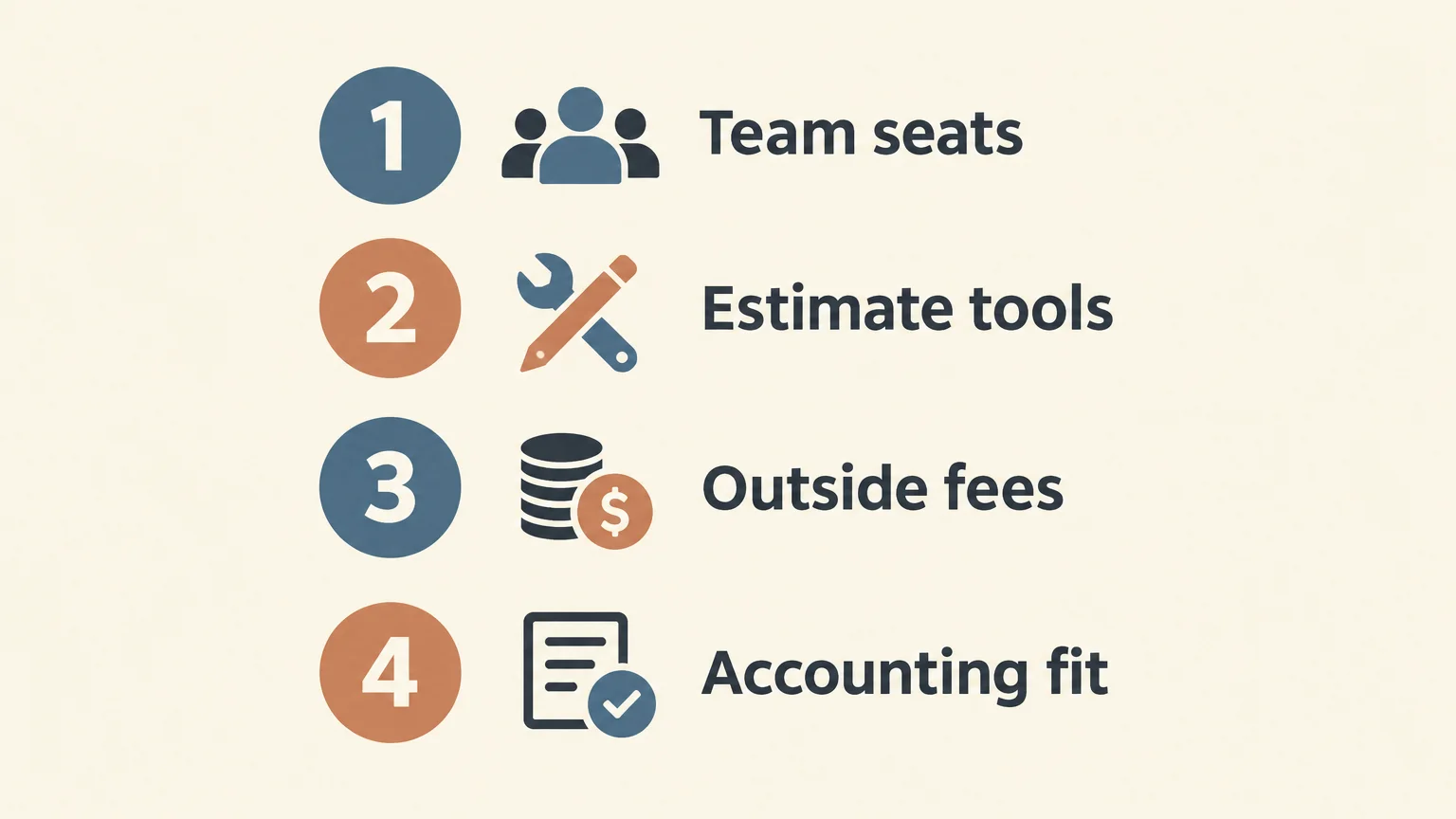
During a trial, confirm that the software supports the people and steps you depend on. Use a short checklist:
- Team seats: Confirm each office user and technician can access the records they need.
- Estimate tools: Build a typical repair quote and check how approval carries into the job.
- Outside fees: Review processor, phone, SMS, setup, and other provider charges.
- Accounting fit: Check how you will export or transfer records to your accounting process.
Run the same test on the mobile experience your technicians will use. Check whether they can see job details, record time, upload photos, complete forms, and add notes without relying on office staff to recreate the record later.
Which plan fits a plumbing business?
If you work alone or with one other person, compare the Starter seat limit with the tools you need every day. A small crew that needs client access, time tracking, or automated reminders may find Professional more appropriate. A team coordinating multiple locations or custom integrations should assess Business and its 15-user limit.
Choose the lowest tier that covers the workflow and seats you genuinely need, not simply the lowest advertised price. If a required capability is missing, account for the cost of another service and the work of keeping records in sync. Our platform handles estimates, invoicing, and payment collection, but it does not replace accounting software.
Choose for the full job, not the headline price
The true software cost includes the subscription, team capacity, outside provider charges, and any separate setup work. Match those costs to the estimating, scheduling, field documentation, and invoicing steps your plumbing business actually uses. Then test a typical job before committing, and verify how the plan changes as your crew grows.
Connect estimates, jobs, and payments in one workflow
Pricing becomes easier to assess when estimates, schedules, field records, and invoices stay connected to the same customer and job. If you are replacing disconnected tools, our platform carries the workflow from the first inquiry through payment for owner-operators and small plumbing crews.
Our Starter plan supports up to two users, Professional up to seven, and Business up to 15. Every plan includes estimates, scheduling, and invoicing, while higher tiers add features such as client portal access, time tracking, multi-location support, and custom API integrations. A 14-day free trial lets you evaluate the selected plan. Review our plumbing business software to compare plan details and decide whether its workflow fits your crew.
Frequently Asked Questions
How is plumbing software pricing usually structured?
Providers may charge a flat subscription, by user, by job volume, or through a custom quote. Compare seat limits and usage rules alongside the listed price.
Which fees might sit outside a software subscription?
Payment processing, phone, SMS, setup, migration, and other third-party services may be billed separately. Ask which provider sets each charge and whether usage affects the amount.
What should plumbing estimating software include?
Check that it supports the estimate and approval process your team uses, then see whether approved work can move into scheduling, job records, and invoicing. Field documentation and customer communication may also matter to your day-to-day workflow.
Does plumbing software replace accounting software?
No. Our platform handles estimates, invoices, and payment collection, but it does not replace accounting software. QuickBooks sync is listed as coming soon; users can export records for their accountant in the meantime.
How can I compare plans before choosing one?
List the users, workflow features, and outside services your team needs, then test a typical job from estimate through payment. Our plans include a 14-day free trial for the selected plan.