FieldCommandOS vs Jobber: A Field Service Software Comparison
FieldCommandOS vs Jobber: compare pricing, team limits, workflows, customer tools, and accounting links to choose the right service software.

What happens to your software bill when your second technician joins? In the FieldCommandOS vs Jobber comparison, look beyond the starting price to the number of users included and the work each plan connects. Our top service business management software overview offers wider context for that decision.
For an owner-operator or small crew, important differences include estimates, scheduling, field notes, payment collection, and what happens to financial records afterward. A useful field service software comparison traces the whole job and checks whether the software connects to accounting tools. TechRadar’s software selection criteria also emphasize payment processing, accounting integration, customer communication, and reporting. The best fit depends on which of those daily tasks your team needs to manage in one place.
FieldCommandOS vs Jobber at a glance
Which difference is likely to affect your daily work most? This table compares plan costs, team access, core job steps, customer tools, and accounting connections.
Criterion | FieldCommandOS | Jobber |
|---|---|---|
Starting price and seats | Starter is $29 per month or $276 per year, with up to 2 users. | Core for 1 user is $49 per month with no commitment, or $29 per month when billed annually. |
Team plans | Professional is $79 monthly or $756 annually for up to 7 users. Business is $159 monthly or $1,524 annually for up to 15 users. | Plans have different user-count pricing. Jobber lists team options up to 15 users and directs larger teams to sales. |
Job workflow | Connects lead capture, estimates and approvals, contracts, scheduling, field notes and forms, invoicing, and payment collection. | Supports quotes, job scheduling, invoicing, and online payments. Features vary by plan. |
Accounting connection | Handles invoicing and payment collection. There is a built in accounting platform, for P&L, Job Costing, Expenses Management and submission. QuickBooks sync is listed as coming soon in Professional; records can be exported for an accountant meanwhile. | QuickBooks Online sync is included with Connect and above. |
Trial and customer tools | Each plan has a 14-day trial. Customers can book online, receive appointment texts, approve estimates, sign electronically, and pay online. | A 14-day trial provides access to Grow features. Client Hub supports quote approvals, appointment details, invoice payments, and requests for more work. |
FieldCommandOS
Best for: Owner-operators and small crews who want seat-inclusive pricing and a shared workflow from lead to payment.
Our platform carries a customer and job record from lead capture through estimating, approval, scheduling, field documentation, invoicing, and payment collection. The mobile experience is a progressive web app, so technicians can access job information, add notes and photos, and complete forms from their phones. Businesses comparing field service software for small businesses can weigh that connected process against their existing tools and handoffs.
The workflow reflects the day-to-day needs of inspection and remediation work. Founder Daniel McClain is a working inspector who launched AMAC Inspections in 2019 and moved into field work full time in 2022. He also operates inspection and radon and mold businesses, experience that informs how estimates, multi-day work, field notes, and follow-ups connect.
Pros:
Starter includes up to 2 users for $29 per month, with higher plans for teams of up to 7 or 15 users.
Approved estimates can become scheduled jobs, and completed jobs can move into invoicing, reducing the need to re-enter job details between steps.
Each plan includes a 14-day trial, and field teams can document work with photos, forms, and notes.
Cons:
The platform has a builtin Accounting Platform with export funcationality. QuickBooks sync is listed as coming soon in Professional; users can export records for their accountant until then.
Plans include up to 15 users. Larger teams need to contact us about an enterprise arrangement.
Jobber
Best for: Service businesses that want multiple plan and team-size options, customer self-service, and QuickBooks Online sync on an eligible plan.
Jobber combines quotes, scheduling, invoicing, and online payments, with features that vary by plan. Its Core plan for one user is $49 per month with no commitment or $29 per month when billed annually. Connect for one user is $139 monthly or $99 per month billed annually, while Grow is $199 monthly or $149 per month billed annually. Annual subscriptions are billed upfront, and pricing rises for larger team sizes.
Jobber’s client-facing tools include Client Hub, where customers can approve quotes, check appointment details, pay invoices, and request additional work. Its pricing page describes a 14-day trial with access to Grow features and no credit card required. QuickBooks Online sync is available with Connect and above, which is useful for businesses that already rely on that accounting system.
Pros:
QuickBooks Online sync is available on Connect and higher plans, supporting a workflow between job management and accounting.
Client Hub supports quote approvals, appointment information, online invoice payment, and requests for more work.
Plan and user-count options give businesses more than one way to match subscription level to team size.
Cons:
Core is a one-user plan, so a crew needing multiple logins must compare the higher user-count prices.
QuickBooks Online sync is not included with Core, so businesses that require it need to consider Connect or above.
Follow a job from estimate to payment

Picture a small crew finishing a multi-step job. The office needs to see which estimate was approved, the technician needs the current job details, and the person preparing the invoice needs to know what work was completed. A connected estimate-to-invoice workflow keeps those steps tied to the same customer and job record.
FieldCommandOS connects approved estimates to scheduled jobs and completed jobs to invoices. Technicians can add time, photos, forms, and notes from the field. Jobber also supports the core quote, scheduling, and invoicing sequence, while plan availability matters when you need specific customer or team tools. Compare the handoff itself: whether job details follow the work, and whether the next person can act without copying information from another app.
Invoicing is not the same as accounting
A customer paying an invoice closes a job payment step, but it does not necessarily complete a business’s bookkeeping. We provide estimating, invoicing, and payment collection, but our platform does not replace accounting software. QuickBooks sync is listed as coming soon in Professional; until then, users can export records for their accountant.
The distinction matters when you compare the platforms. Jobber lists QuickBooks Online sync on Connect and above; that is a connection to accounting software, not a reason to treat job management and accounting as interchangeable. The IRS describes a recordkeeping system as including a summary of business transactions and supporting records. Its recordkeeping guidance is a useful reminder to check how invoices, receipts, and other transaction data fit into your books.
Before switching, ask who will reconcile payments, record expenses, and prepare financial statements. The SBA’s bookkeeping guidance notes that day-to-day bookkeeping and formal accounting expertise are not the same task. Whichever service platform you choose, confirm that its exports or integrations match the process your bookkeeper or accountant uses.
Choose by crew size, handoffs, and accounting needs
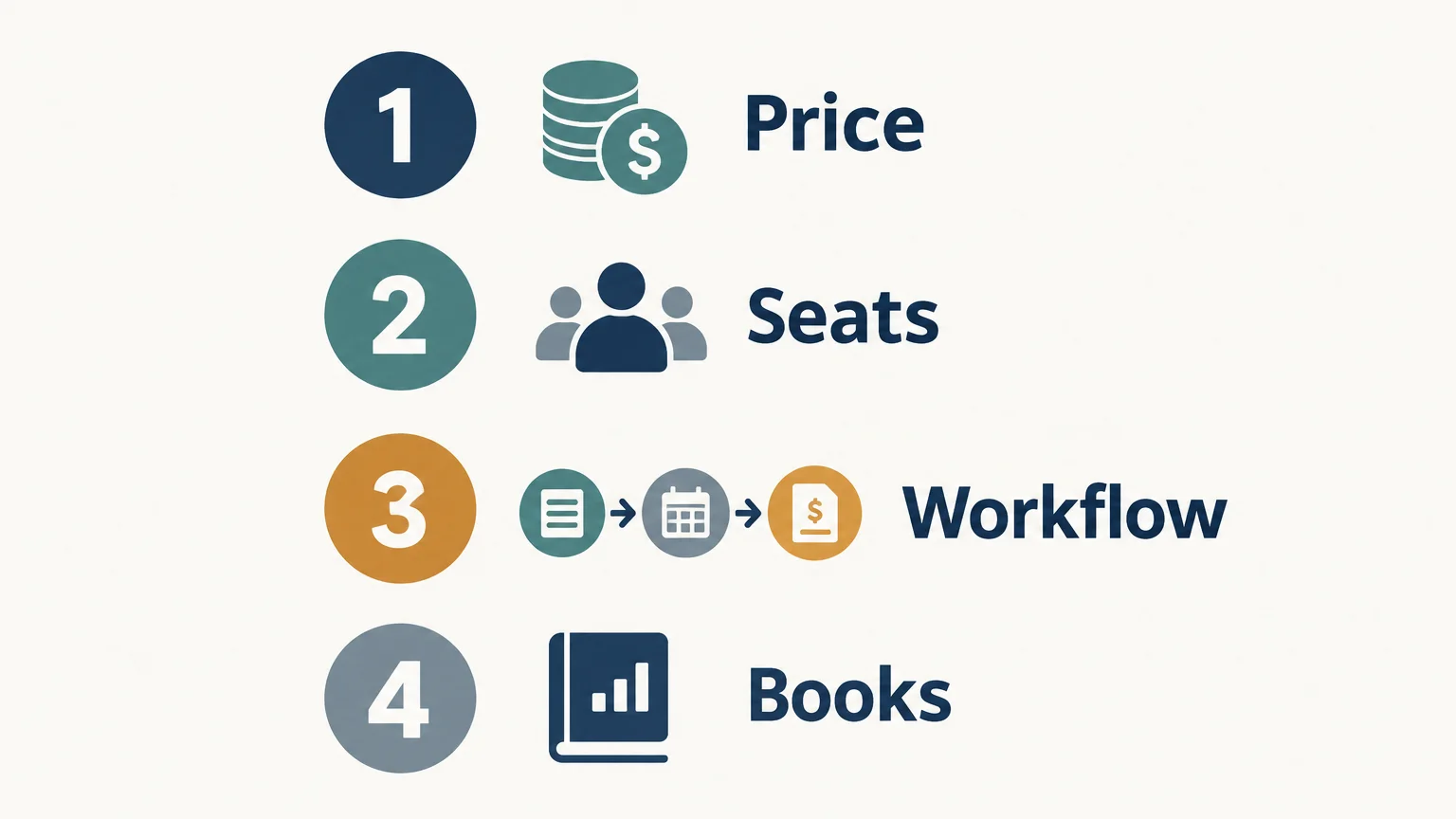
Start with the people who need access. FieldCommandOS offers plans for up to 2, 7, or 15 users, while Jobber’s user limits and prices vary by plan. Compare the cost of the plan that actually gives every office user and technician the access they need, not just the advertised starting price. You can review FieldCommandOS pricing against the Jobber tier that fits your crew.
Next, walk through a typical job: capture a lead, send an estimate, get approval, schedule the work, record what happened onsite, issue an invoice, and collect payment. Check where each system stores customer details and how the next person picks up the work. For customer communication, compare online booking, quote approvals, appointment messages, signatures, and payment options against what your clients actually use.
Finally, write down the accounting tasks your service software must support. If QuickBooks Online sync is essential right now, Jobber’s Connect plan and above provide that connection. If your immediate priority is connecting the operational job steps while using export records for your accountant, FieldCommandOS offers that workflow, with QuickBooks sync listed as coming soon in Professional.
Conclusion
The FieldCommandOS and Jobber comparison comes down to team access, the job handoff, and the accounting workflow around it. FieldCommandOS is a strong fit for independent businesses that want up to 2, 7, or 15 users on plans built around estimates, scheduling, field documentation, invoices, and payment collection. Jobber is worth considering when its Client Hub tools or current QuickBooks Online sync on Connect and above better match your operations. Compare the plan your whole crew needs, then test a real job from estimate through payment before committing.
Connect your field work from estimate to invoice
When customer records, schedules, field notes, and invoices live in separate places, a small change can turn into extra calls and repeated data entry. Our workflow is designed for independent service businesses that need to quote, schedule, complete, and bill work while keeping the job record accessible to both office staff and technicians.
FieldCommandOS has Starter, Professional, and Business plans for teams of up to 2, 7, or 15 users, and every plan includes a 14-day trial. Explore our field service management software to see whether the connected workflow fits your crew. In Professional, QuickBooks sync is listed as coming soon; until then, records can be exported for your accountant.
Frequently Asked Questions
Which platform is a better fit for an independent service crew?
FieldCommandOS is a strong fit when seat-inclusive plans and a connected estimate-to-invoice workflow are priorities. With in platform accounting. Jobber is worth comparing if your crew needs its customer tools or QuickBooks Online sync on Connect and above.
Does FieldCommandOS include accounting software?
Yes, We include estimating, invoicing, and payment collection, P&L, Job Costing, Balance Sheet and more. QuickBooks sync is listed as coming soon in Professional, and users can export records for their accountant meanwhile.
Which platform connects with QuickBooks Online?
Jobber includes QuickBooks Online sync on Connect and above. FieldCommandOS lists QuickBooks sync as coming soon in Professional.
How should I compare the plan prices?
Compare the plan that includes the number of logins your office staff and field team need, along with its billing terms. A lower starting price is less useful if your required team size or accounting connection sits on a different tier.
What customer-facing tools should I compare?
Check how customers receive and approve estimates, view appointments, book work, and pay invoices. FieldCommandOS supports online booking, estimate approvals and signatures, appointment communications, and online payments; Jobber’s Client Hub supports quote approvals, appointment details, invoice payments, and requests for more work.