Radon Mitigation Software From Test Result to Final Invoice
FieldCommandOS helps radon mitigation contractors move a job from the pre-mitigation test result, or an InspectProHQ inspection lookup, through the estimate, install, photo documentation, post-mitigation retest, and final invoice on a single record.
A connected way to manage the work
A radon mitigation job starts with a number and ends with a number. In between are an estimate the homeowner has to approve, an install day that fits the crew, photos of the suction point, fan, discharge, and label, and an invoice that has to match the quote.
FieldCommandOS was built by Daniel McClain, who runs radon testing and mitigation crews in Northeast Ohio. Each step lives on the same customer and job record. If your company also uses InspectProHQ, the optional connection lets your team search and open inspections inside FieldCommandOS while preparing the estimate. Estimates are still built by your team; findings are not converted automatically.
Operational challenges this workflow addresses
Results and quotes drift apart
Pre-mitigation results arrive by email while the estimate is written somewhere else.
Thin install documentation
System photos stay on a technician's phone instead of the job record.
The retest gets forgotten
Post-mitigation test dates are tracked on paper, so the last step of the job slips.
How the workflow connects
Start from the test result
Create the customer and property and upload the pre-mitigation result, or, with the InspectProHQ connection configured, look up the related inspection. The test result is attached before the estimate is written.
Estimate and approve
Price the system from your service catalog and send the estimate for e-signature. Prices omitted; you set your own catalog pricing.
Schedule the install
Convert the approved estimate into a job and assign the install crew on the calendar. The signed scope becomes the install job.
Photos and retest documentation
Installers upload photos of the suction point, fan, discharge, and system label. Schedule the retest and attach the post-mitigation result to the same job. Before, after, and retest in one place.
Invoice and collect
Invoice from the approved estimate and send a payment link, or collect on site. The invoice matches the quote the homeowner signed.
Plans for this trade
Most one-crew radon contractors start on Starter or Professional. InspectPro Connect is an optional add-on.
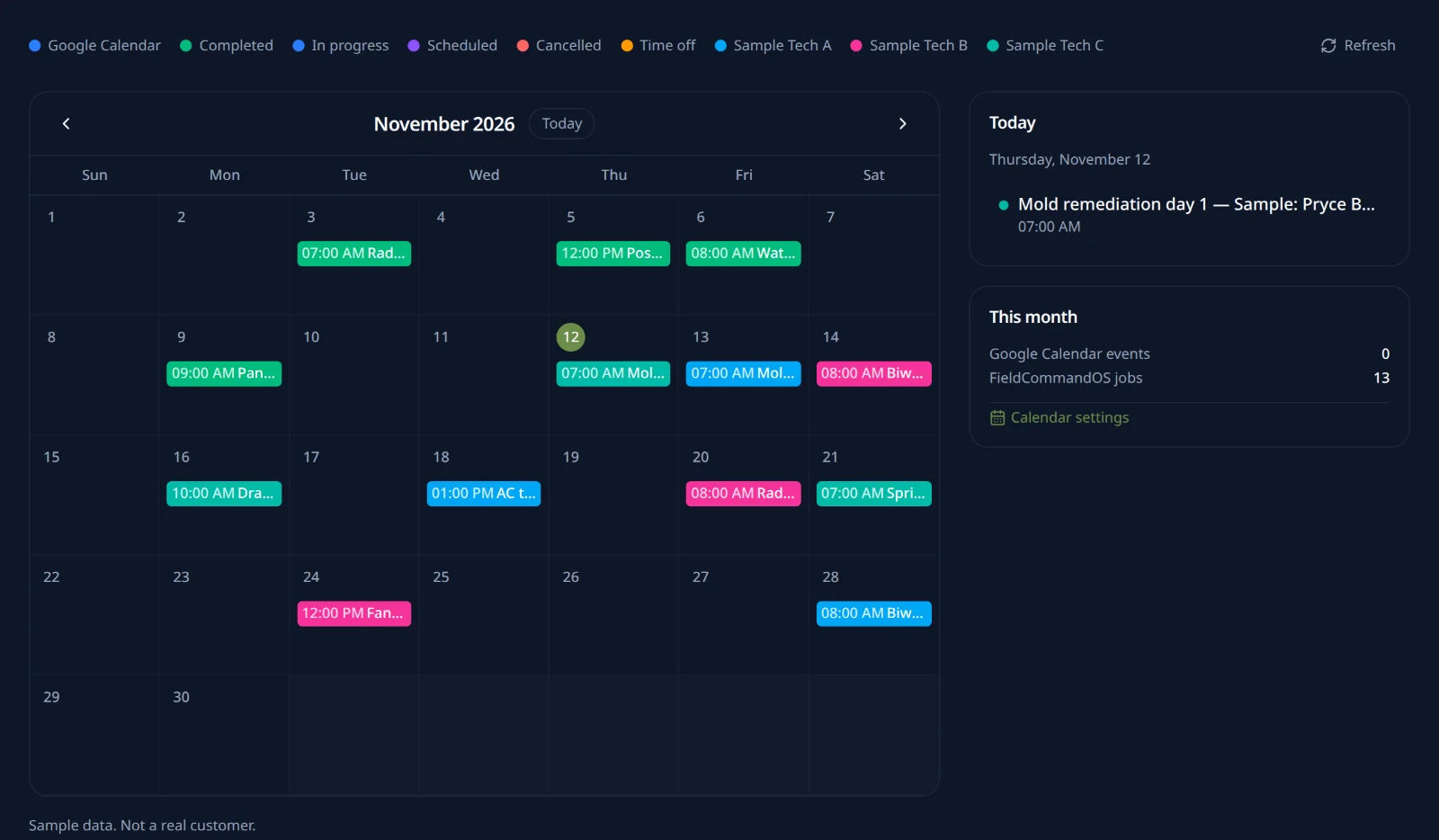
Workflow panels on this page show sample data, not a real customer.
How FieldCommandOS helps
One record per system
Test results, estimate, install photos, retest, and invoice stay together.
Built by an operator
Designed around the radon jobs the founder's own crews run.
Optional InspectProHQ lookup
Reference inspections while estimating, if your company uses InspectProHQ.
Frequently asked questions
Can I attach radon test results to a job?
Yes. Upload test reports and other documents to the customer or job record so they are available when you estimate, install, and invoice.
Does FieldCommandOS connect to InspectProHQ?
Yes, with conditions. The connection requires an InspectProHQ subscription, the FieldCommandOS InspectPro Connect add-on, and an administrator entering valid InspectProHQ API credentials. Your team can then search and view inspections inside FieldCommandOS. Findings are not converted into estimates automatically.
How much does it cost?
Plans start at $29.99 per month for up to 2 users, with a 14-day free trial. Professional is $79 per month for up to 7 users. The InspectPro Connect add-on is priced separately.